


- -60%
- Out-of-Stock

Tested and inspected RO systems for pure water at a reduced price.
See offers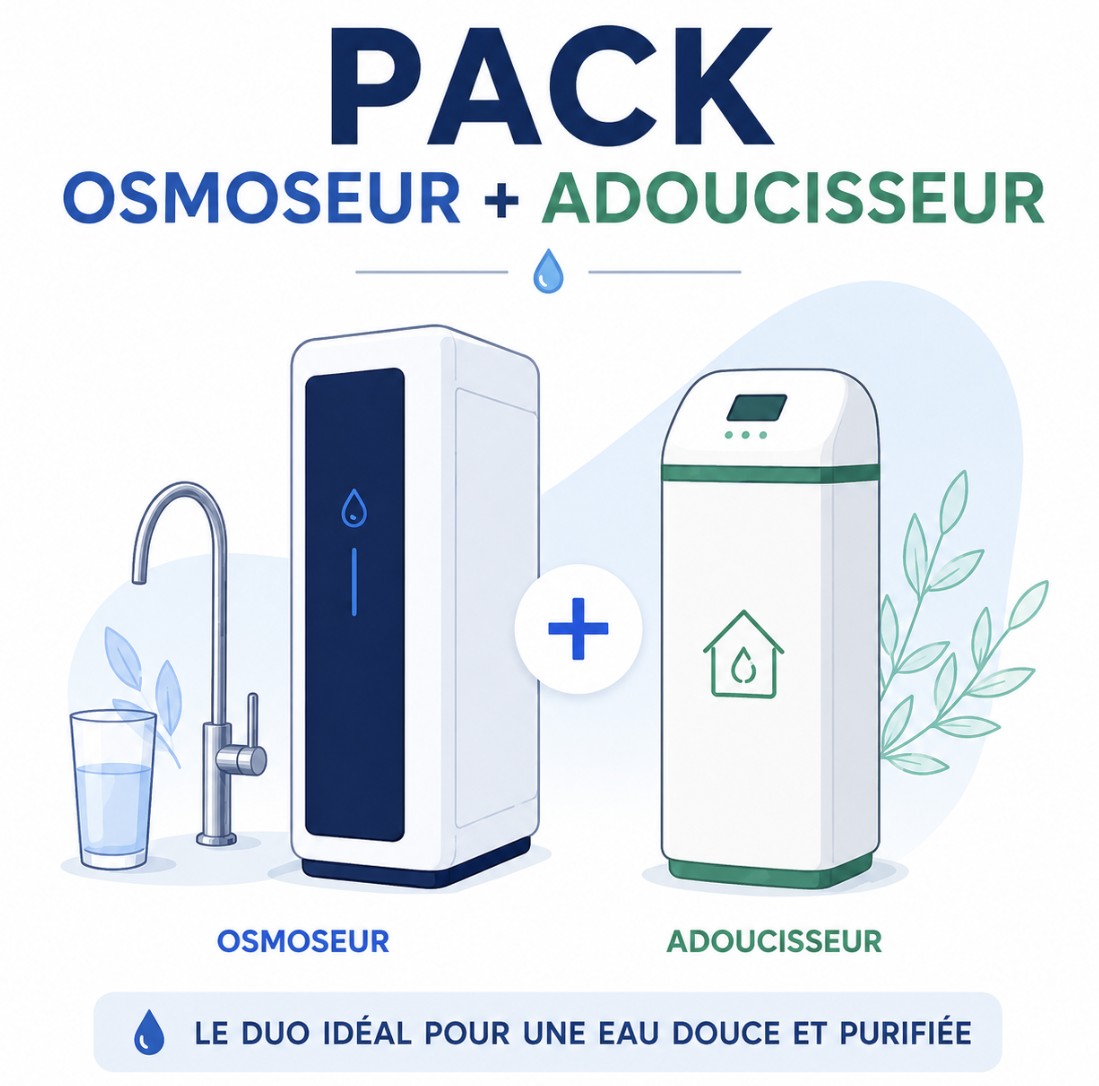
Complete protection with an RO system and a water softener.
Get 15% off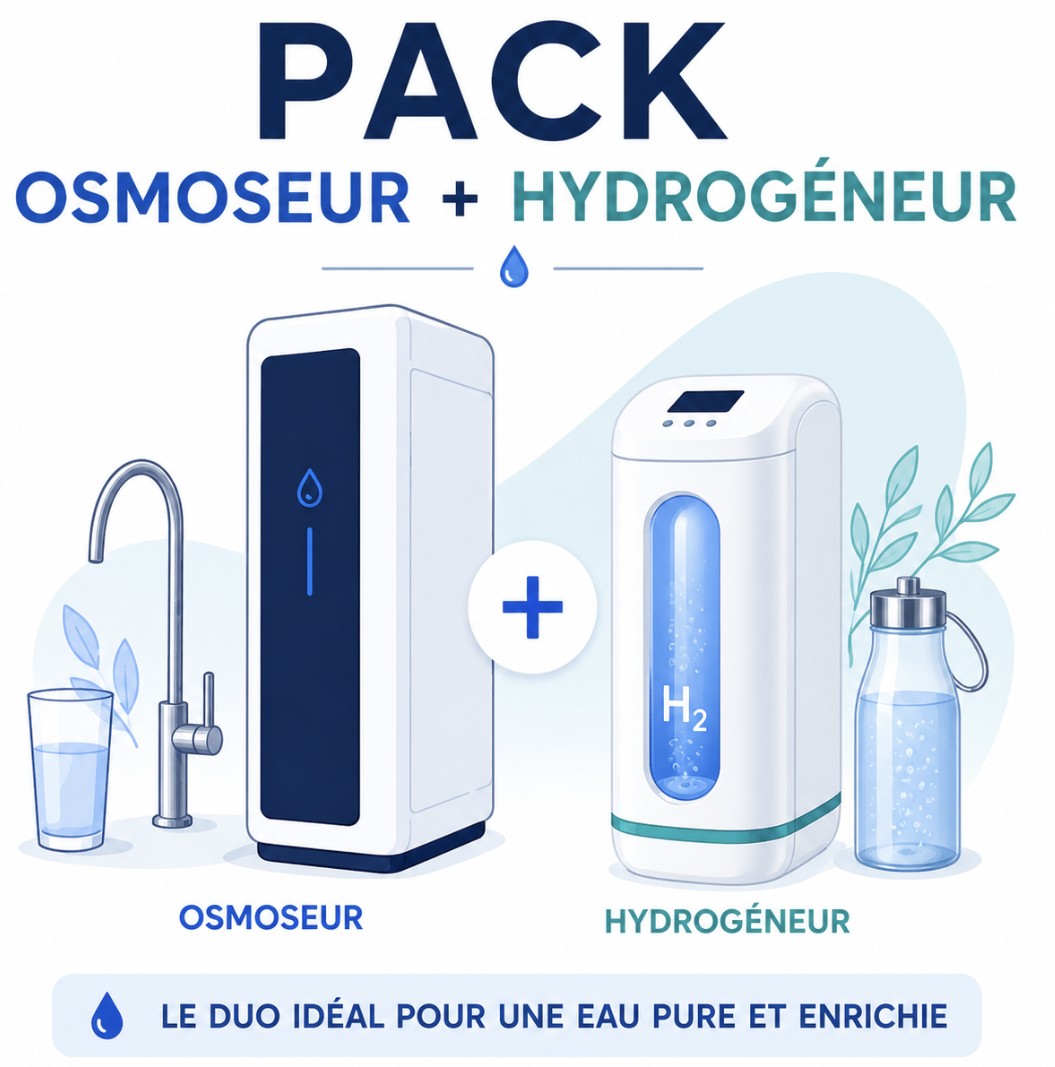
Combine reverse osmosis water and hydrogen-rich water.
Get 15% offFREE SHIPPING
On orders of €150 or more within mainland France
(home products only)
Ships within 24 hours
+33 3 66 88 17 85
Call us Monday to Friday,
9:30 am–5 pm (Paris time)!
Email: contact@josmose.fr

Your water softener has 12 adjustable settings. The most important are the time and the volume of water treated between resin regenerations, but we will list them all in the order they appear on the screen.
To display them, navigate by pressing the up and down arrows. If your screen is locked, press both arrows at the same time for 5 seconds to unlock it.
Then, to adjust a setting, press the far-left button to make it flash, and increase or decrease the value using the arrows. Press the second button once to confirm the value.
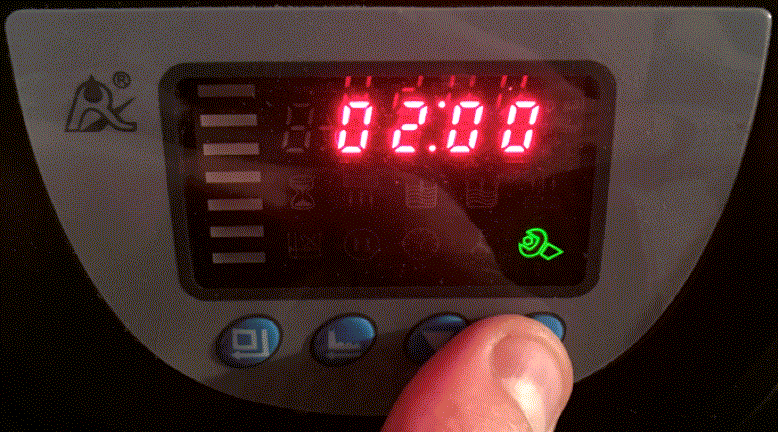
Regeneration timeThis is the time at which resin regeneration will start once the regeneration volume (see below) has been reached. This setting defaults to 2 a.m., but you can change the hour by pressing the first button once and the minutes by pressing it twice. |
 |
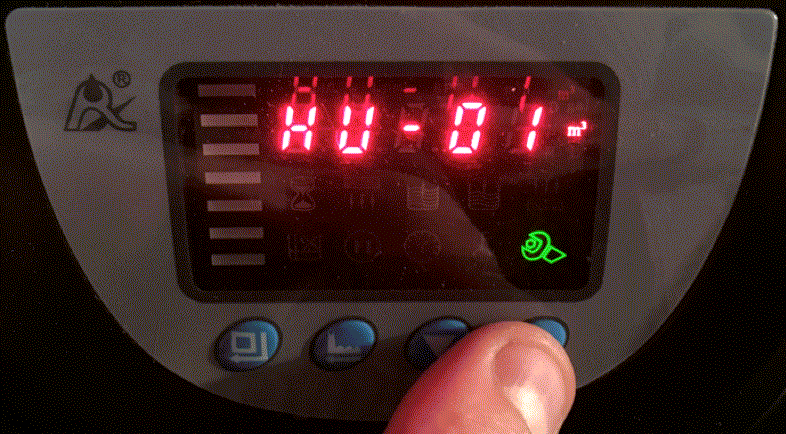
Volume measurement unitThis setting defaults to m3, but you can choose m3, liters, or gallons. We use m3 in our explanations and recommend keeping this setting on your water softener valve. |
 |
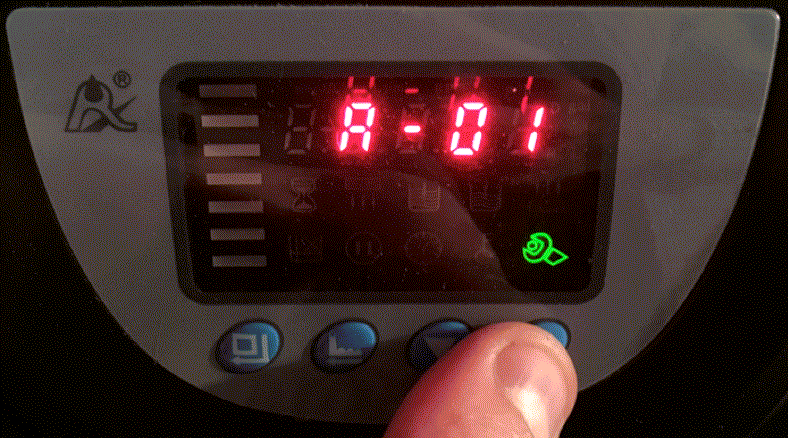
Control modeThis setting determines how you want to schedule your water softener's regenerations. - A-01 (default) : regeneration starts at the selected time only if the selected regeneration volume has been reached - A-02 : regeneration starts as soon as the regeneration volume has been reached. This can happen during the day and interrupt your softened water supply for 1h (which is why installing a bypass valve on your pipes between your water softener's inlet and outlet is useful. - A-03 : works the same way as A-01, but the unit calculates the regeneration volume automatically. You enter the resin volume, your water hardness, and the K factor (between 400 for very hard water >50F and 700 for less hard water <20F), and it does the rest. - A-04 : works the same way as A-02, but the unit calculates the regeneration volume automatically. You enter the resin volume, your water hardness, and the K factor (between 400 for very hard water >50F and 800 for less hard water <20F), and it does the rest. |
 |
TimeThis is simply the current time. If you do not have a watch, check your phone. |
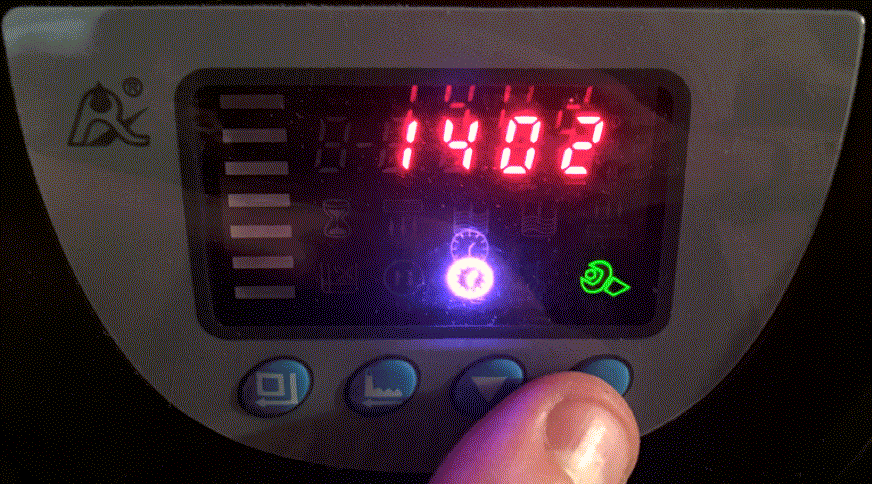 |
Signal modeYou can choose between a signal throughout regeneration (default) or a signal at the beginning and end. |
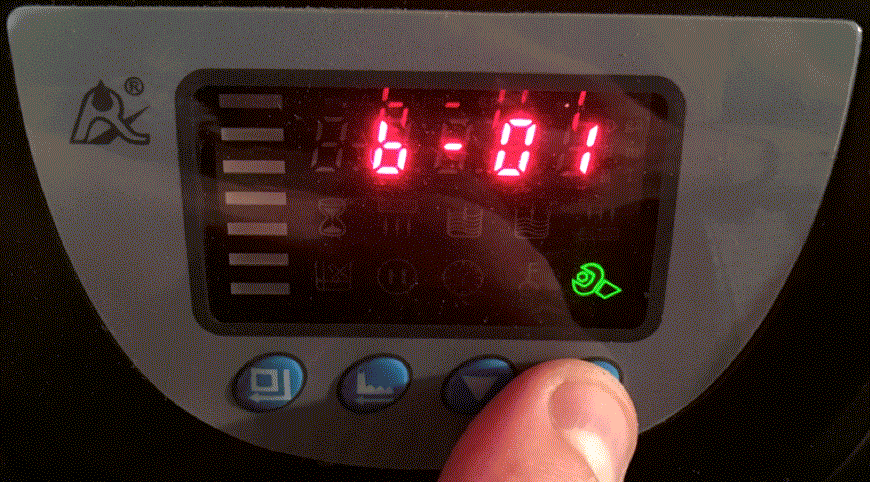 |
Maximum time between regenerationsYou can set how long your water softener waits before regenerating its resin, even if the regeneration volume has not been reached. The default setting is 30 days. |
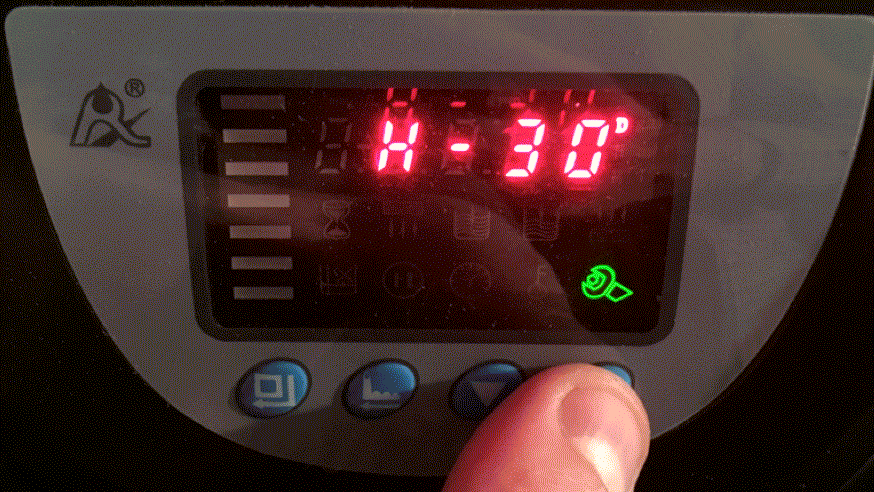 |
Here are the stages of your water softener's operation :
- Water softening : the resin absorbs calcium (Ca2+) and magnesium (Mg+) from the water and releases sodium (Na+) in exchange.
- Resin regeneration : the water softener injects salt water into the resin, which replenishes its sodium and releases the accumulated calcium and magnesium.
- Draining water from the tank : the water loaded with calcium and magnesium is discharged into the drain.
- Downflow resin rinse : municipal water flows through the resin from top to bottom to remove excess salt.
- Upflow resin rinse : municipal water flows through the resin from bottom to top to remove excess salt.
- Resin refill : water from the tank is injected into the resin to replenish its sodium ions.
- Water softening.
The duration of each regeneration stage is preset and can be adjusted manually.
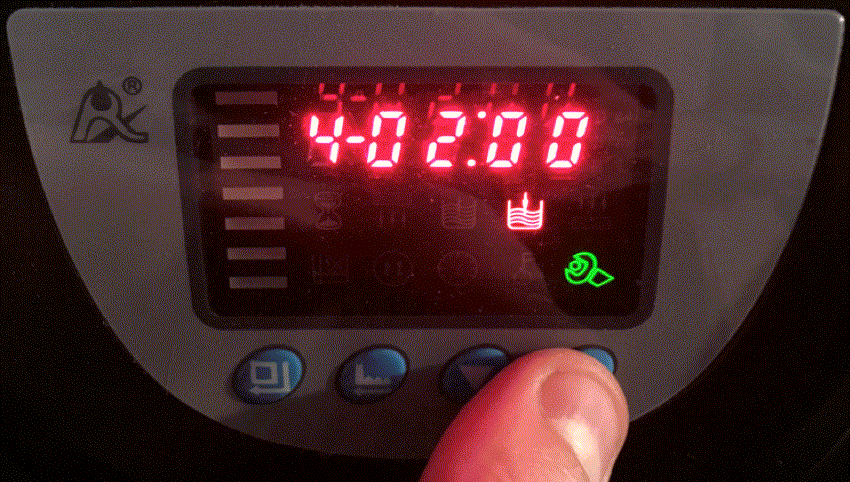
Downflow resin rinse time |
Tank refill time |
| The default setting is 2 minutes, but you can increase it if you find that the water coming out of your water softener is too salty. | The default setting is 2 minutes, but you can increase it if you find that the water level in the tank is too low, or decrease it if it is too high (at the overflow level). |
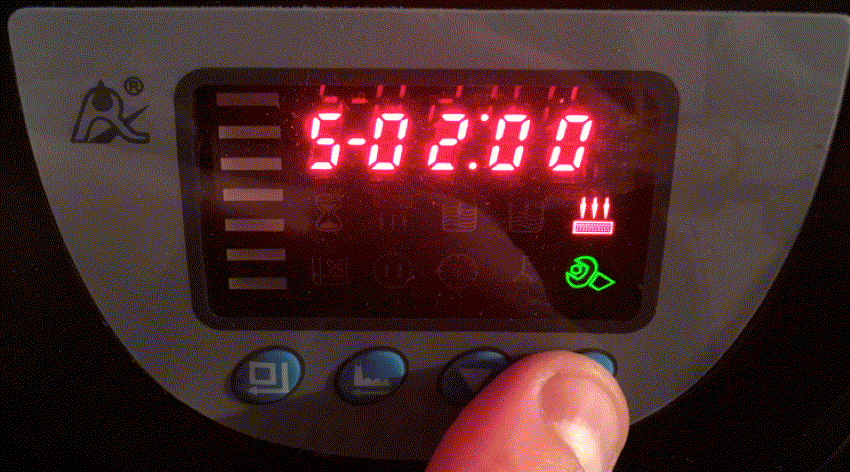 |
 |
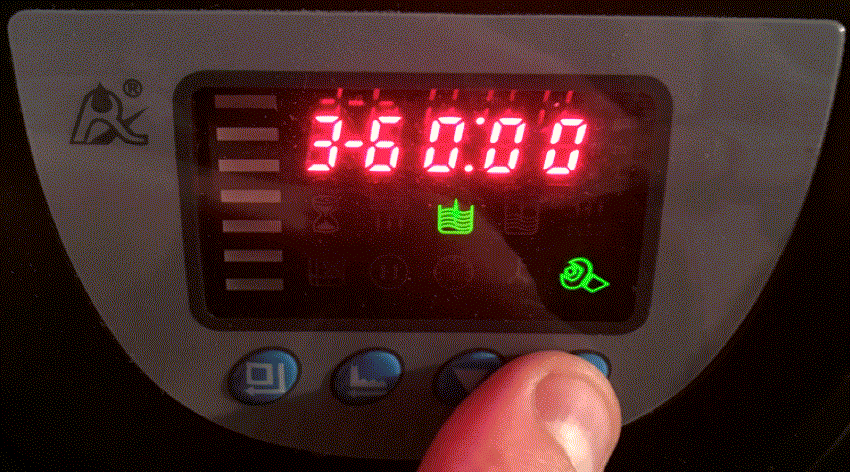
Resin regeneration time |
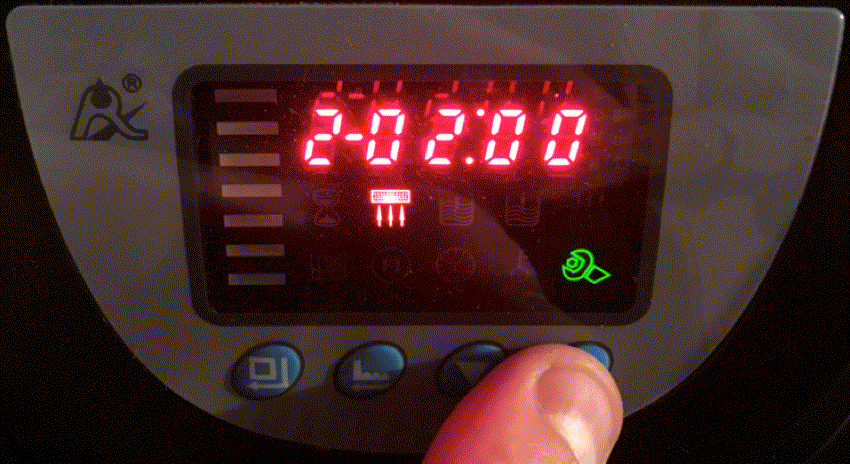
Upflow resin rinse time |
| The default setting is one hour, but you can change it if you wish. Be aware that this will affect how effectively your water is softened. | The default setting is 2 minutes, but you can increase it if you find that the water coming out of your water softener is too salty. |
 |
 |
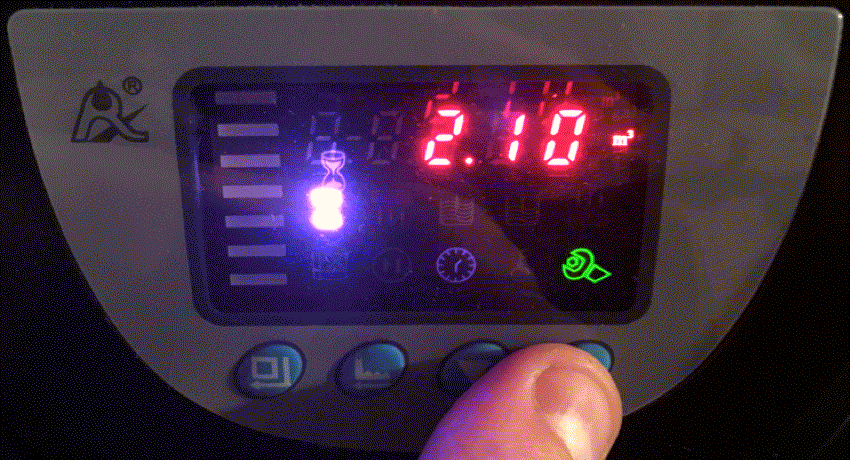
Volume between regenerationsOur water softeners are preset for low water hardness (TH = 15F). If your water has a higher TH (which is very likely if you have invested in a water softener), you need to adjust the volume of water treated between resin regenerations. This is calculated as follows : Resin volume* x 6,000 / TH *the resin volume depends on the model you purchased. - 500 L/H water softener : 5 liters - 1,500 L/H water softener : 7 liters - 2,500 L/H water softener : 15 liters Caution : to make sure your water is not too soft, which could corrode your pipes, aim for a hardness of approximately 8F. Subtract 8 from the measured TH before applying the formula. |
 |
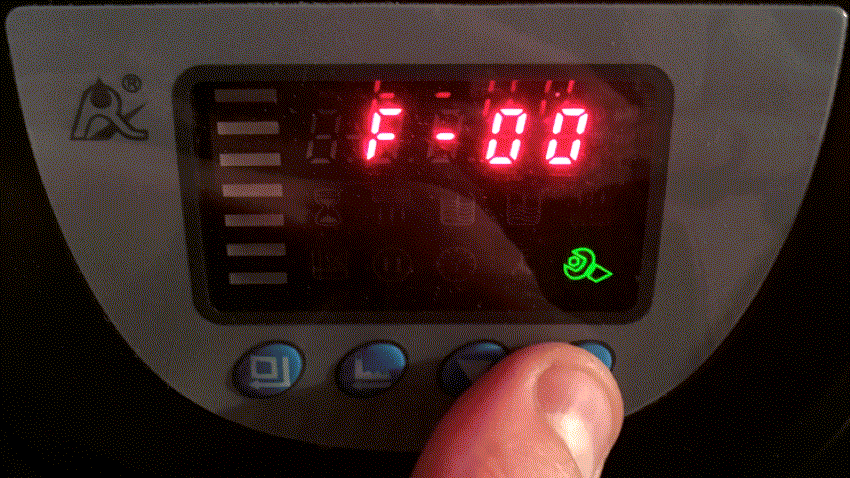
Rinse intervalBy default, the resin is rinsed at every regeneration, but you can choose to rinse it every second regeneration (F-01), every third regeneration (F-02), etc. |
 |