



Tested and inspected RO systems for pure water at a reduced price.
See offers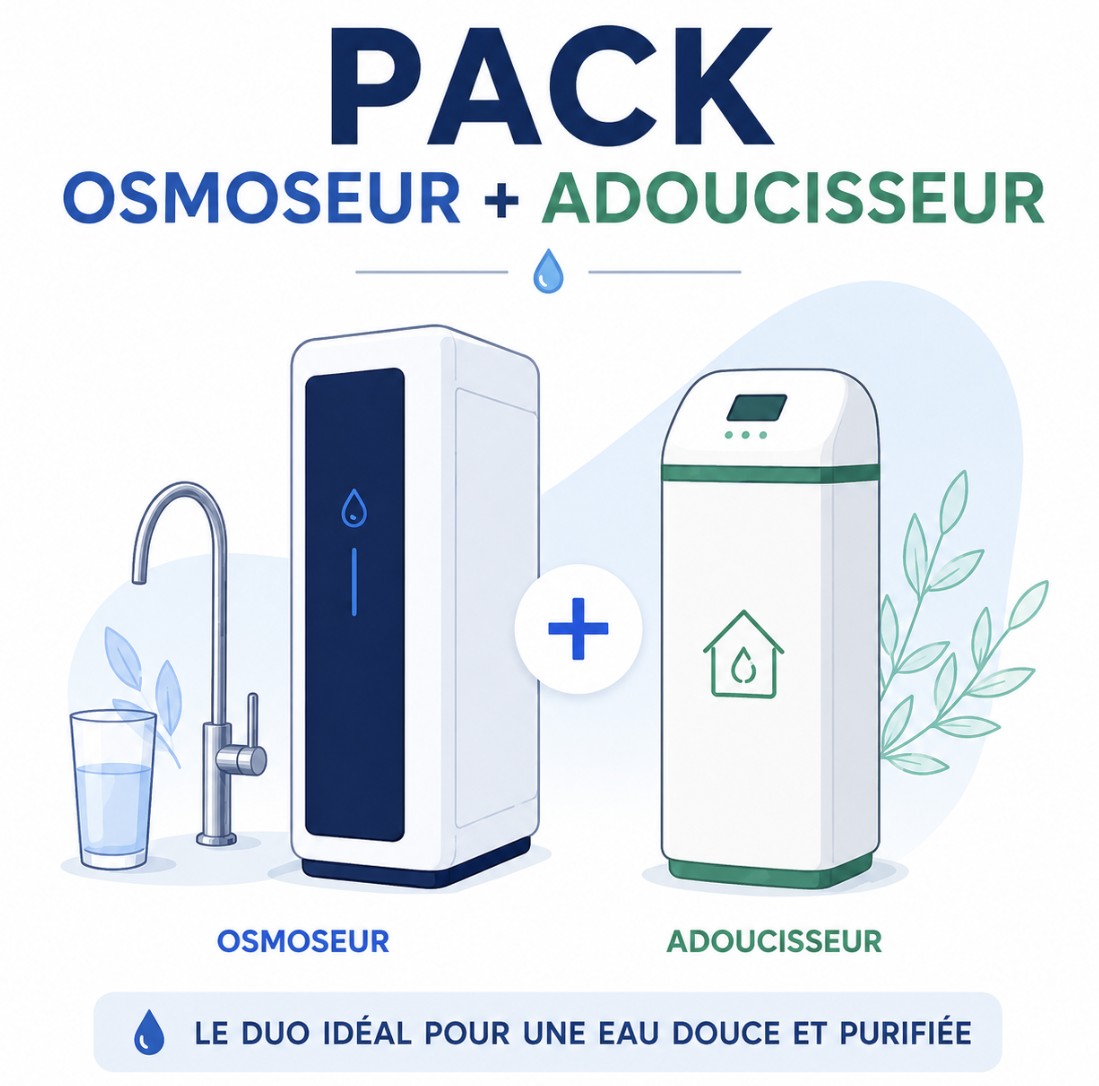
Complete protection with an RO system and a water softener.
Get 15% off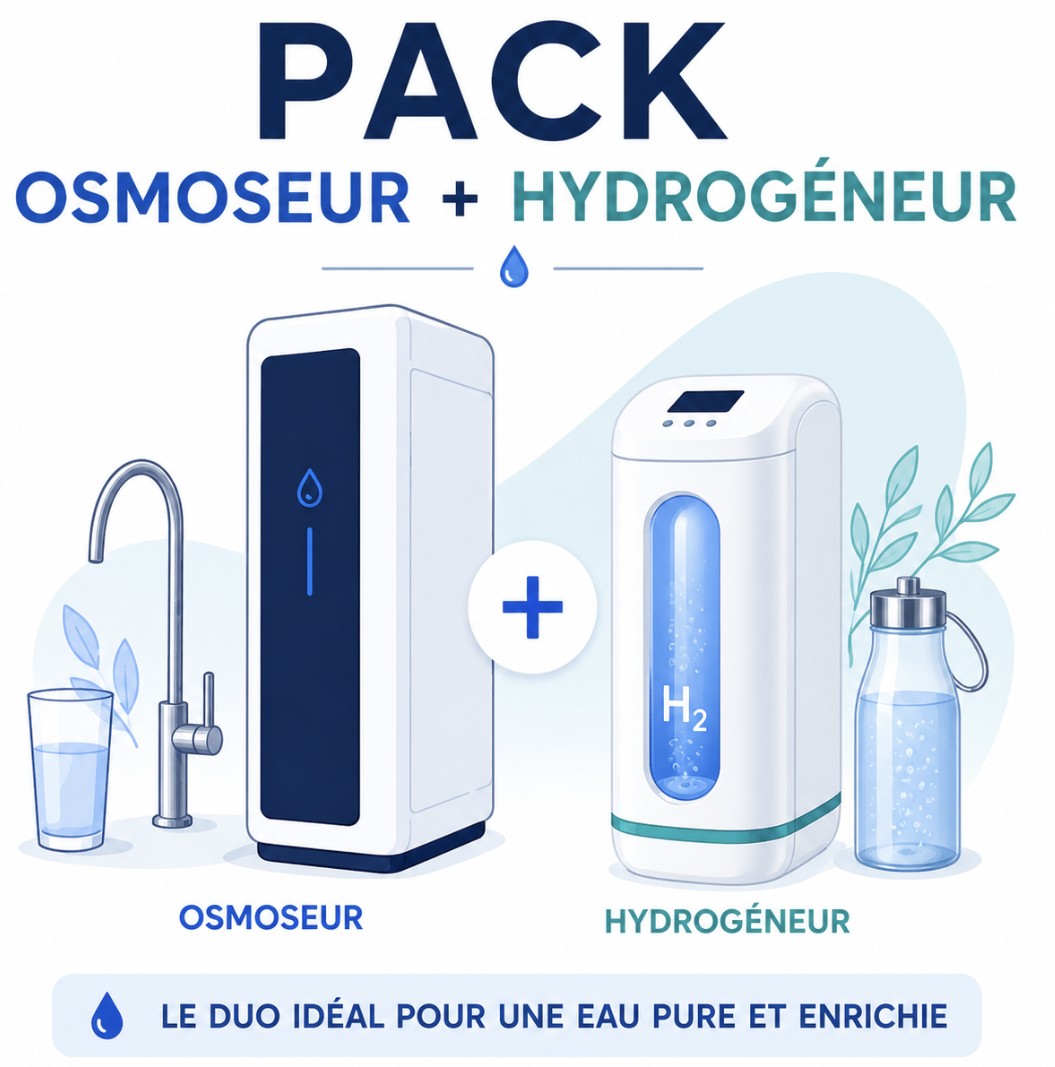
Combine reverse osmosis water and hydrogen-rich water.
Get 15% offFREE SHIPPING
On orders of €150 or more within mainland France
(home products only)
Ships within 24 hours
+33 3 66 88 17 85
Call us Monday to Friday,
9:30 am–5 pm (Paris time)!
Email: contact@josmose.fr

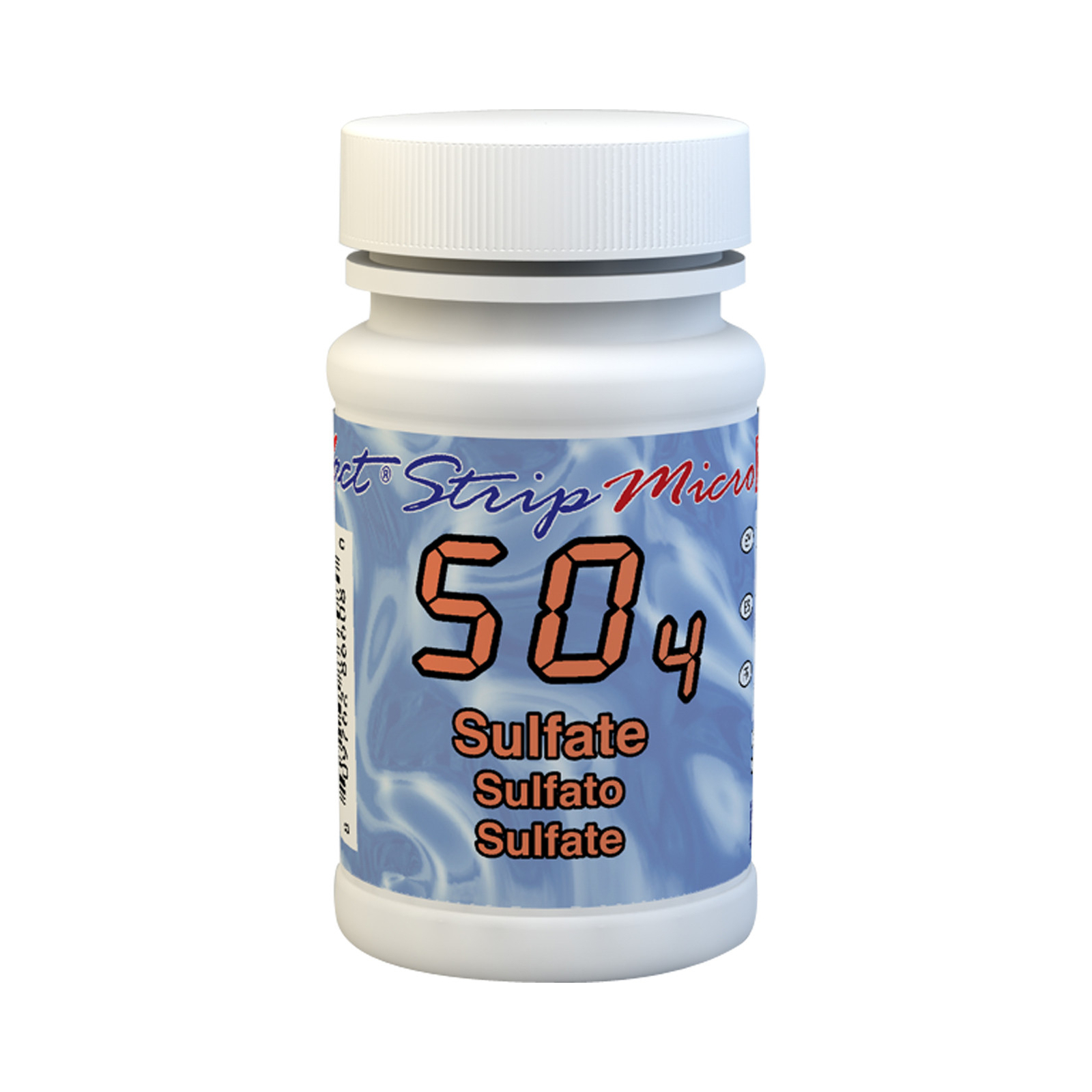
Sulfates (SO4) are found in almost all natural waters, originating from the oxidation of sulfite minerals (sodium sulfate, magnesium sulfate, and calcium sulfate), the presence of shale, or industrial waste. Sulfate is also present in rainwater.
There is no health-based guideline value for sulfates, but there are taste detection thresholds :
Sulfates can have a laxative effect on consumers who are not accustomed to them or at high concentrations, especially when combined with calcium and magnesium. Babies and young children are also very sensitive to sulfate levels in water.
* This paragraph is based in part on the WHO report "Guidelines for Drinking-water Quality".
**A guideline value is a reference value provided by the WHO.
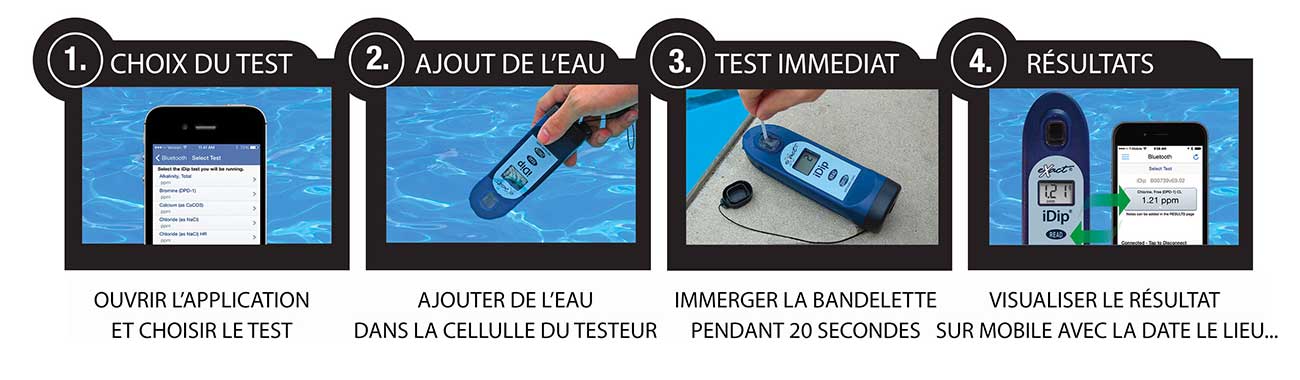
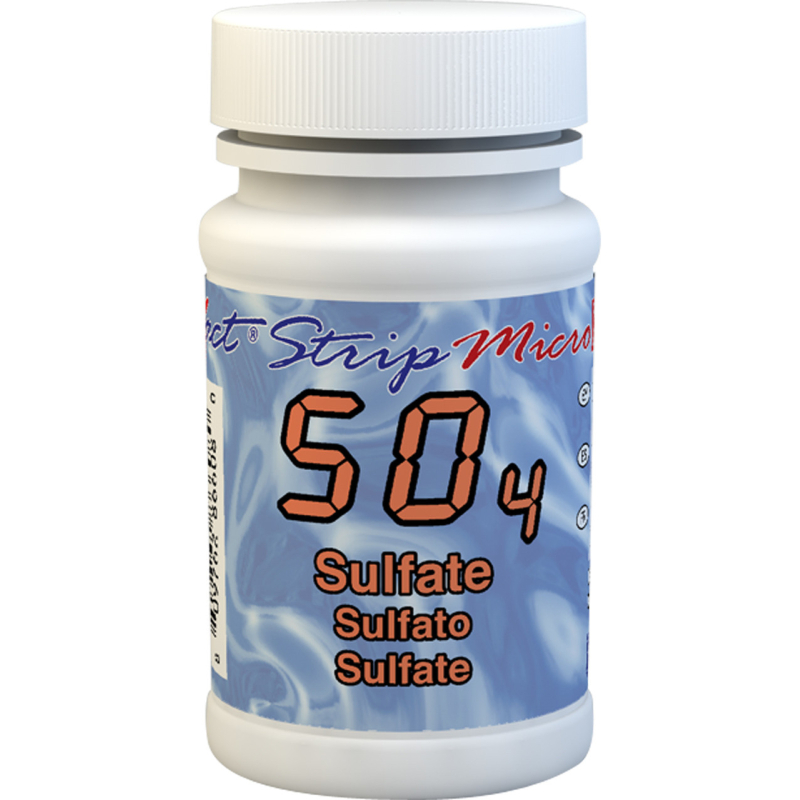
These test strips and reagents allow you to measure sulfate in your water using the IDIP photometer. It is very simple to use:
1. Open the app on your mobile phone and turn on the photometer.
2. Add water to the tester's designated cell
3. Place the test strip in the water for 20 seconds
4. View the result directly on the photometer, and it is automatically saved on your phone.
This water testing system is fast, reliable, modern, expandable, and comprehensive. It is THE most accessible system.
 |
Remove a test strip from the container before starting the test. Place it somewhere dry and easy to reach, and immediately close the container. |
 |
Turn on the photometer by pressing the ON/ZERO button. The screen will show all indicators, then the selected menu, then the most recent results. |
 |
Press the SELECT button repeatedly to choose group 7. Then press the MENU button repeatedly to select the test parameter: SO4. (You will find all this information in a table in the user manual supplied with the device) |
 |
Next, rinse the test cell at least 3 times with the water you are going to test (to reduce the risk of cross-contamination from your previous test). Finally, completely fill the small cell with the water to be tested. |
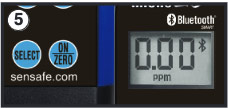 |
Press the ON/ZERO button. The cursor will move across the screen before it displays 0.00PM. This indicates that the sample is ready to be tested. |
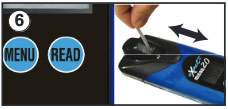 |
Dip the appropriate test strip into the small cell and immediately press the READ button. This will start a countdown. During the countdown, gently move the test strip back and forth (about 1 back-and-forth motion per second). As soon as the "1" disappears from the screen, remove the test strip. |
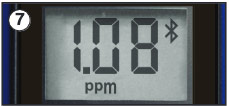 |
The cursor will move across the screen while the photometer prepares the test results. Record the value displayed for the parameter. This value is automatically saved in the MENU, and if you use the exact iDip app, the results will be saved in its "RESULTS" section. After the test, rinse the cell and clean it with the small brush. |