



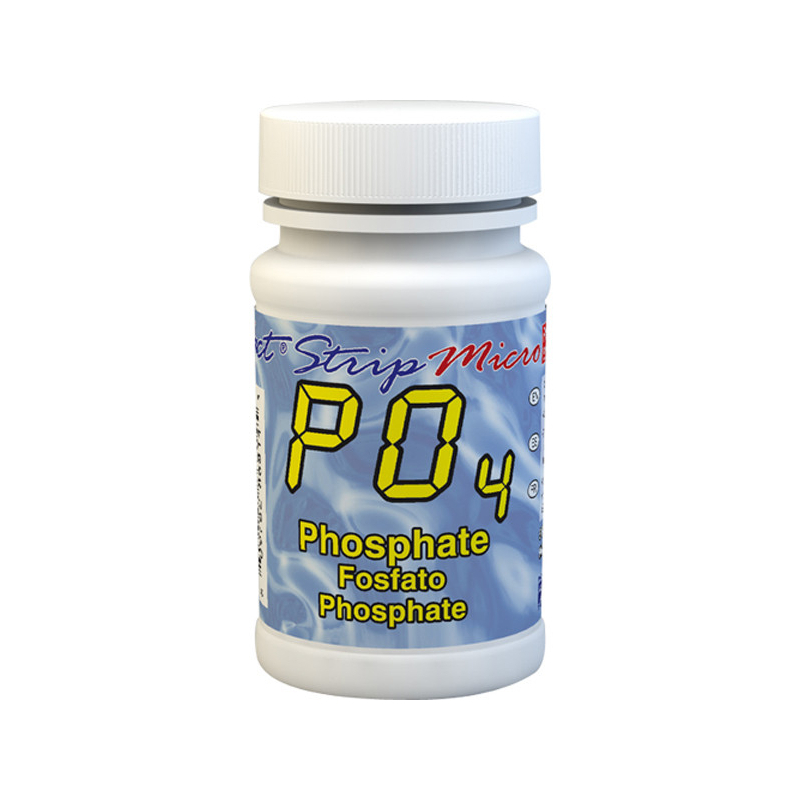

Tested and inspected RO systems for pure water at a reduced price.
See offers
Complete protection with an RO system and a water softener.
Get 15% off
Combine reverse osmosis water and hydrogen-rich water.
Get 15% offFREE SHIPPING
On orders of €150 or more within mainland France
(home products only)
Ships within 24 hours
+33 3 66 88 17 85
Call us Monday to Friday,
9:30 am–5 pm (Paris time)!
Email: contact@josmose.fr

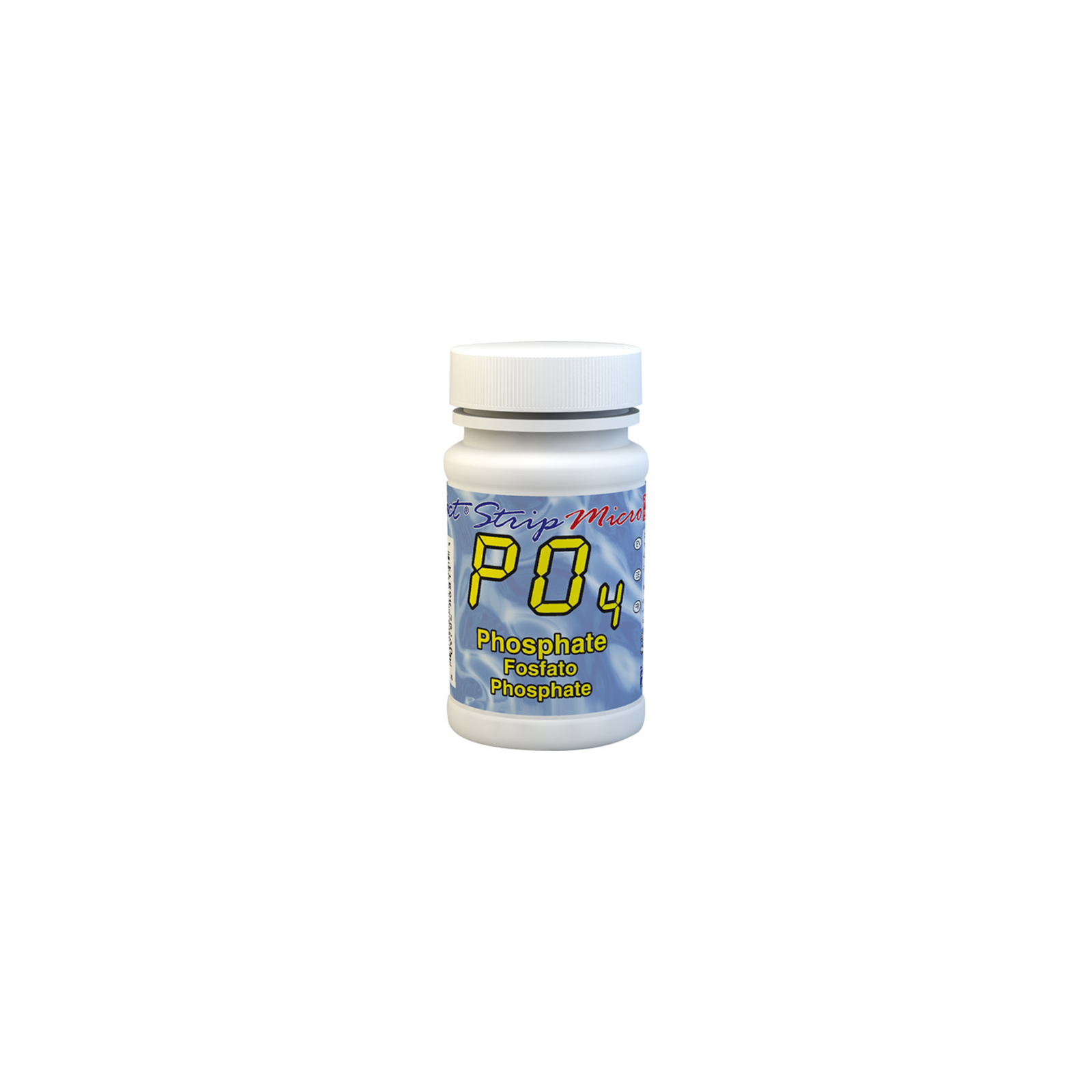
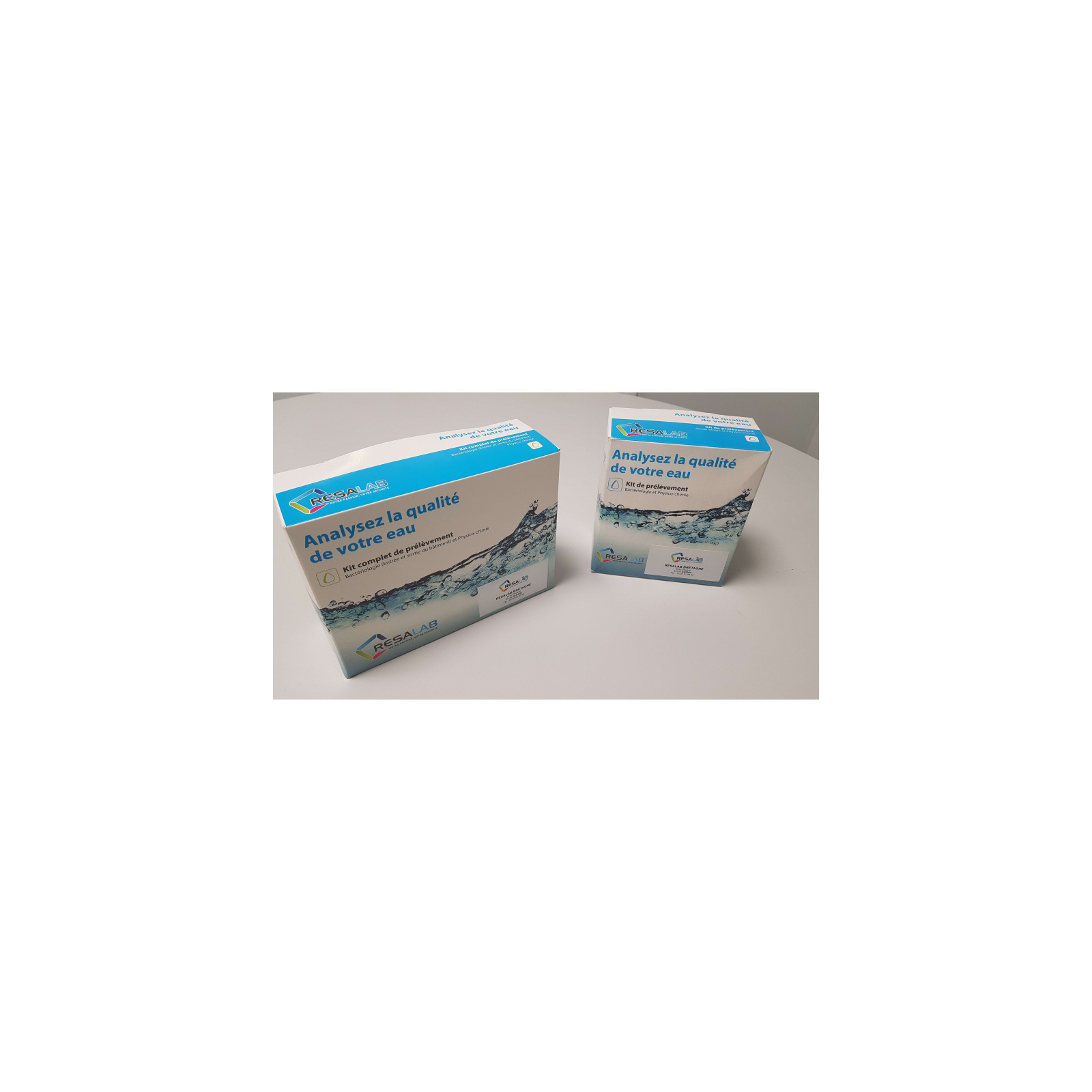
Phosphate is a chemical compound containing phosphorus, an element essential to life and the growth of plants and aquatic organisms.
Phosphates occur naturally in the environment, but they are also introduced into water through human activities, such as agriculture, industrial discharges, domestic wastewater, and the use of detergents containing phosphates.
It is important to test phosphate levels in water in various settings, such as monitoring water quality in streams, lakes, and ponds, managing wastewater, and maintaining water filtration systems, especially in aquariums and pools.
A high phosphate level in water can lead to excessive algae growth, reduced dissolved oxygen, deteriorating water quality, and disruption of aquatic ecosystems. Conversely, phosphate levels that are too low can limit the growth of aquatic plants and marine organisms, compromising the health of the ecosystem.
In pools, high phosphate levels can promote algae growth and affect water quality, while levels that are too low can lead to corrosion and limescale buildup. In drinking water, high phosphate levels can have adverse health effects, particularly by promoting deposits in water pipes and contributing to health problems such as kidney stones.
The strip contains the precise amount of dry reagent required for the test, for use with any eXact® photometer compatible with phosphate testing. The change in color or turbidity it produces in the water is then analyzed by the photometer, providing you with a fast, accurate result. Easy to use without technical training, it delivers results comparable to laboratory testing.
This kit is compatible with the following photometers : eXact iDip, eXact iDip570, Pool eXact EZ, eXact Eco-Check, eXact Micro 20 and eXact Micro 10.
This kit of 50 test strips lets you measure the phosphate in your water.
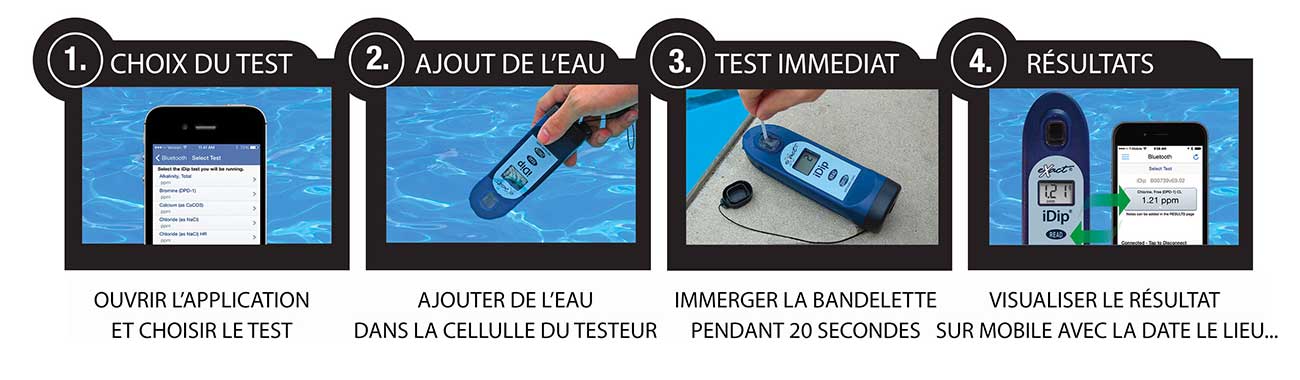
Operation is very simple :
1. Open the app on your mobile phone and turn on the photometer.
2. Add water to the tester's designated sample cell.
3. Place the test strip in the water for 20 seconds.
4. View the result directly on the photometer. This result is automatically saved on your phone.
This water testing system is fast, reliable, modern, expandable, and comprehensive. It is THE most accessible system.
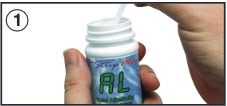 |
Remove a strip from the container before starting the test. Leave it in a dry, easily accessible location and close the container immediately. |
 |
Turn on the photometer by pressing the ON/ZERO button. The screen will show all indicators, then the selected menu, then the most recent results. |
 |
Press the SELECT button repeatedly to choose the group. Then press the MENU button repeatedly to select the test parameters : PO4. (You will find all this information in a table in the user manual supplied with the device. |
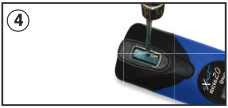 |
Rinse the device's test cell with 0.1N HCI, distilled vinegar (5%) or hydrochloric acid (diluted 1:40 with H2O). Then rinse the test cell at least 3 times with the water you will be testing (to reduce the risk of cross-contamination from your previous test). Finally, completely fill the small cell with the water to be tested. |
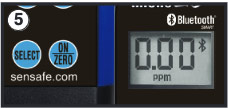 |
Press the ON/ZERO button. The cursor will move across the screen before it displays 0.00PM. This indicates that the sample is ready to be tested. |
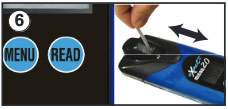 |
Dip the appropriate strip into the small cell and immediately press the READ button. This will start a countdown. While it counts down, gently stir the strip with a back-and-forth motion (about 1 back-and-forth movement per second). As soon as the "1" disappears from the screen, remove the strip. |
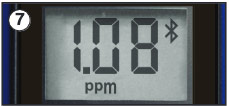 |
The cursor will move across the screen while the photometer prepares the test results. Note the displayed value for the parameter. This value is automatically saved in the MENU, and if you use the exact iDip app, the results will be saved in its "RESULTS" section. After the test, rinse the cell and clean it with the small brush. |