



Tested and inspected RO systems for pure water at a reduced price.
See offers
Complete protection with an RO system and a water softener.
Get 15% off
Combine reverse osmosis water and hydrogen-rich water.
Get 15% offFREE SHIPPING
On orders of €150 or more within mainland France
(home products only)
Ships within 24 hours
+33 3 66 88 17 85
Call us Monday to Friday,
9:30 am–5 pm (Paris time)!
Email: contact@josmose.fr

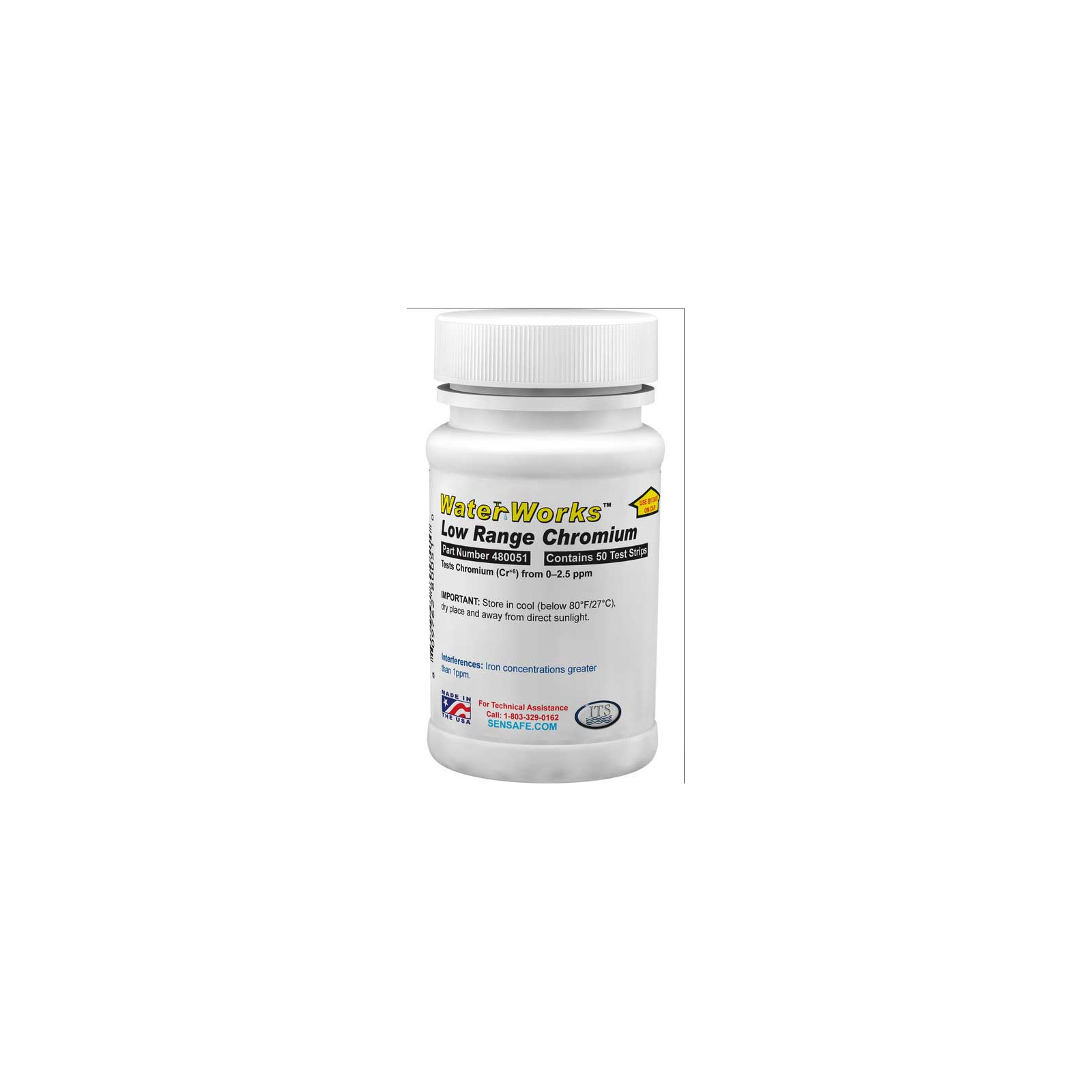
Widely distributed in the Earth's crust, chromium occurs naturally in small amounts in soil and rock, primarily in nature in the form of compounds. However, food is generally the main source of chromium III intake, found in vegetables, fruits, meat, seeds…
Note that more than 70 % of chromium in the environment comes from industry : foundries, refineries, tanneries, paper mills, urban stormwater…
The guideline value is provisional due to uncertainties in the toxicological database. Total chromium : 0.05 mg/l (50 µg/l).
Total chromium concentrations in drinking water are usually below 2 µg/l, but can sometimes reach 120 µg/l.
Chromium toxicity varies depending on several factors : exposure duration and route are important, as are chromium's oxidation state and origin, since chromium IV, hexavalent chromium, is harmful to humans.
Chromium III is an essential nutrient whose deficiency can lead to heart problems, metabolic disorders, or diabetes. However, excessive intake may cause skin rashes.
Workers in the steel and textile industries are often exposed to chromium VI, which is harmful to health. It can cause allergic reactions, nasal irritation and nosebleeds, as well as respiratory or stomach problems, liver and kidney problems, or even lung cancer.
* This paragraph is based in part on the WHO report “ Guidelines for Drinking-water Quality ”.
**A guideline value is a reference value provided by WHO.
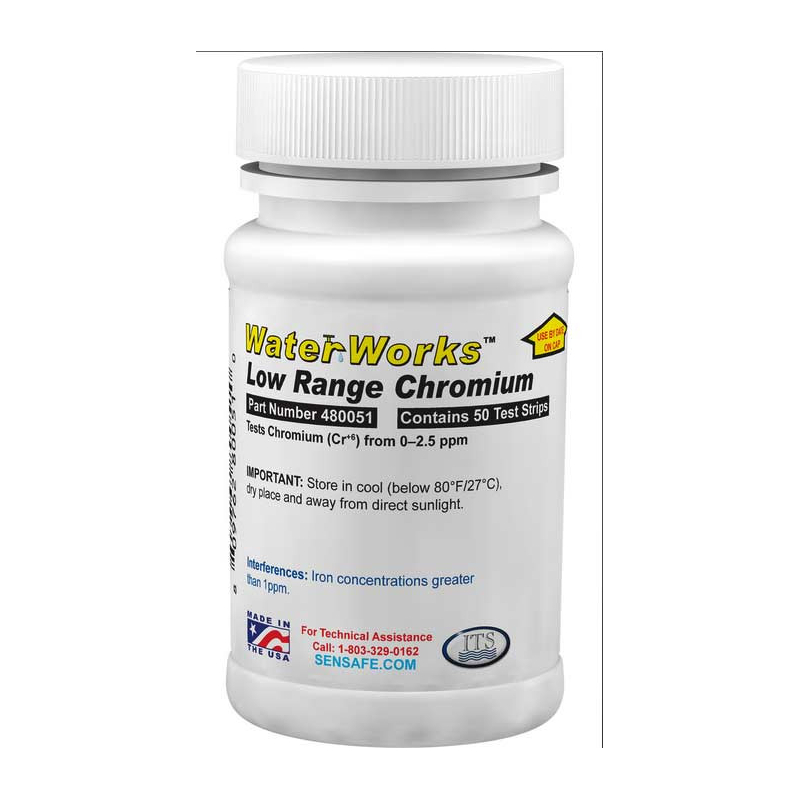
When you dip the strip into the bottle filled with the water to be tested, the exact amount of reagent is released into the water, causing a change in color or turbidity. This change is then measured by comparing the colored water in the bottle with the color chart for a quick, simple result.
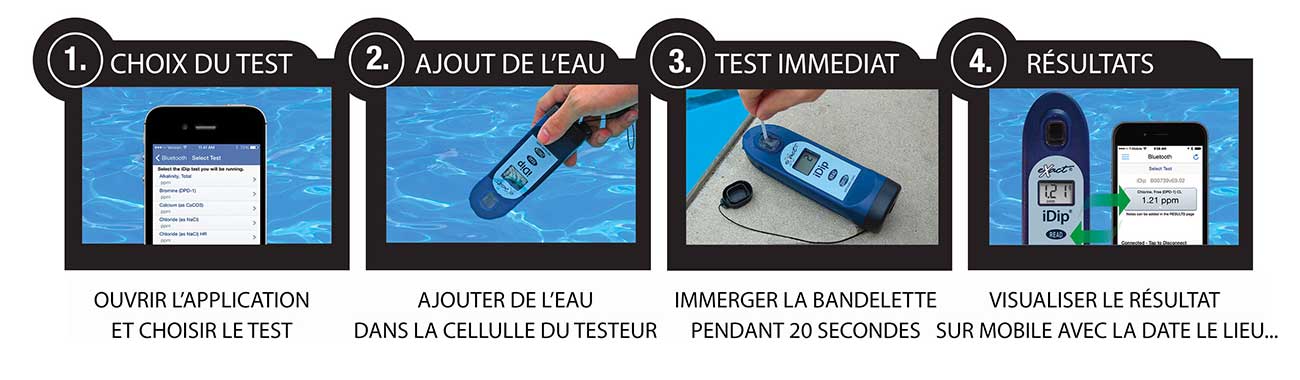
These strips let you measure chromium in your water using the IDIP photometer. The process is very simple :
1. Open the app on your mobile phone and turn on the photometer.
2. Add water to the tester's designated sample cell
3. Place the strip in the water for 20 seconds
4. View the result directly on the photometer, and the result is automatically saved on your phone.
This water testing system is fast, reliable, modern, expandable, and comprehensive, making it THE most accessible system.
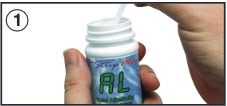 |
Remove one strip from the container before starting the test. Leave it in a dry, easily accessible place, and close the container immediately. |
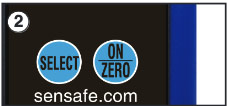 |
Turn on the photometer by pressing the ON/ZERO button. The screen will show all indicators, then the selected menu, then the most recent results. |
 |
Press the SELECT button repeatedly to choose the group : the chromium test is in group 2. Then press the MENU button repeatedly to select the test parameter : Cr. (You can find all this information in a table in the user manual supplied with the device) |
 |
Rinse the sample cell at least 3 times with the water you will be testing (to minimize the risk of cross-contamination from your previous test). Finally, completely fill the small cell with the water to be tested. |
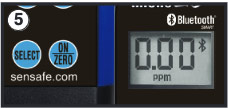 |
Press the ON/ZERO button. The cursor will move across the screen before it displays 0.00PM. This indicates that the sample is ready to be tested. |
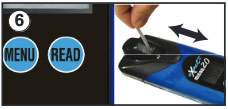 |
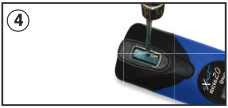
Dip the appropriate strip into the small cell, and immediately press the READ button. This will start a 20-second countdown. During the countdown, gently move the strip back and forth (about 1 back-and-forth movement per second). As soon as the "1" disappears from the screen, remove the strip. |
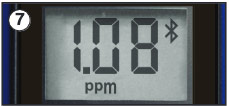 |
The cursor will move across the screen while the photometer prepares the test results. Record the value displayed for the parameter. This value is automatically saved in the MENU, and if you use the exact iDip app, the results will be saved in its "RESULTS" section. After the test, rinse the cell and clean it with the small brush. |
Note : The strip is 8mm wide, so it must be tilted to fit into the sample cell.