




Tested and inspected RO systems for pure water at a reduced price.
See offers
Complete protection with an RO system and a water softener.
Get 15% off
Combine reverse osmosis water and hydrogen-rich water.
Get 15% offFREE SHIPPING
On orders of €150 or more within mainland France
(home products only)
Ships within 24 hours
+33 3 66 88 17 85
Call us Monday to Friday,
9:30 am–5 pm (Paris time)!
Email: contact@josmose.fr

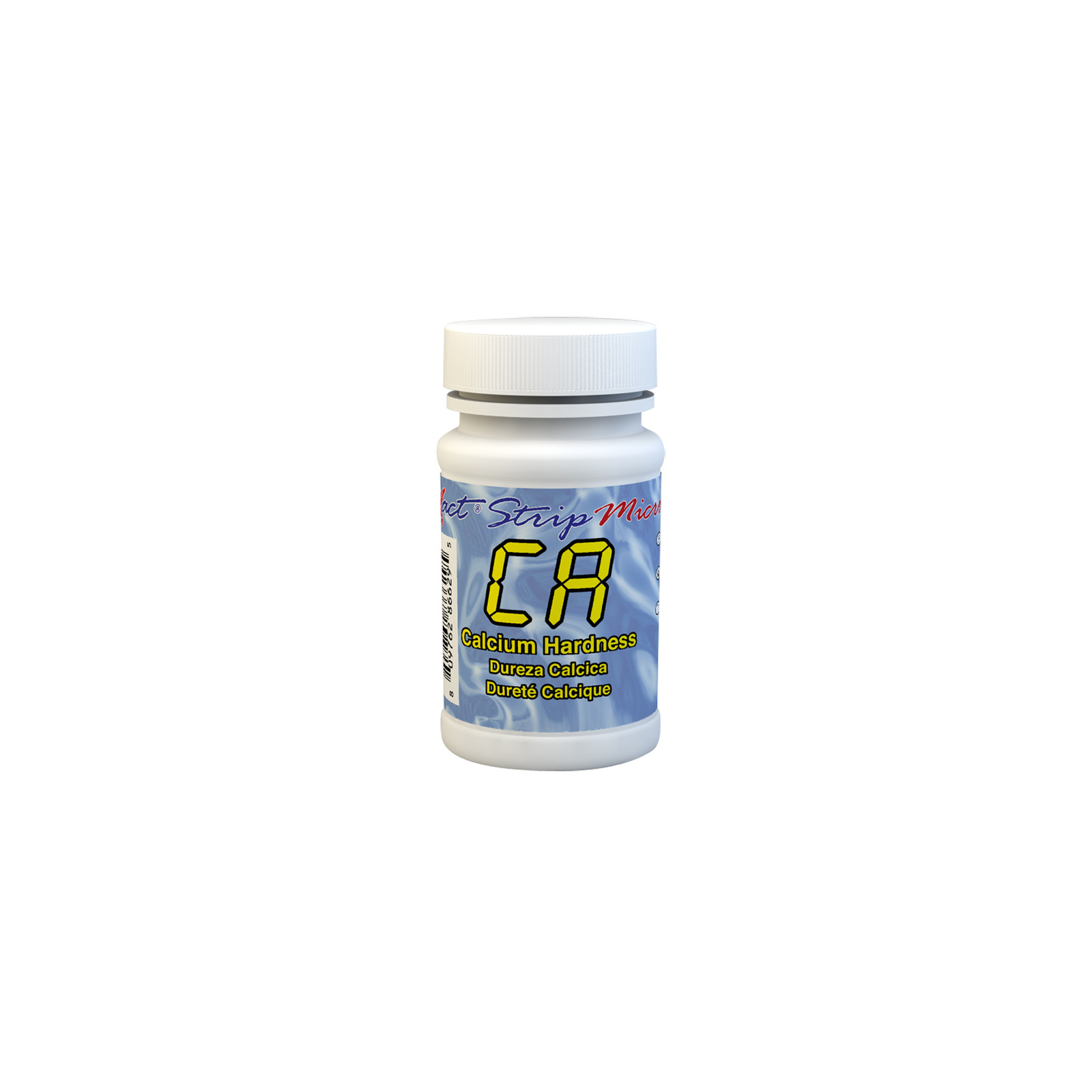
Calcium hardness refers to the concentration of dissolved calcium in water, mainly in the form of calcium ions (Ca²⁺). It is part of total water hardness, which also includes magnesium ions.
Calcium hardness is important because it affects water quality and how water interacts with surfaces and equipment.
In drinking water, moderate hardness is often preferred to prevent pipe corrosion (if the water is too soft) and scale buildup (if the water is too hard).
For pools, maintaining calcium hardness between 200 and 400 ppm is crucial to prevent equipment corrosion and the formation of limescale deposits. Proper calcium hardness management helps extend the life of your equipment and ensure quality water.
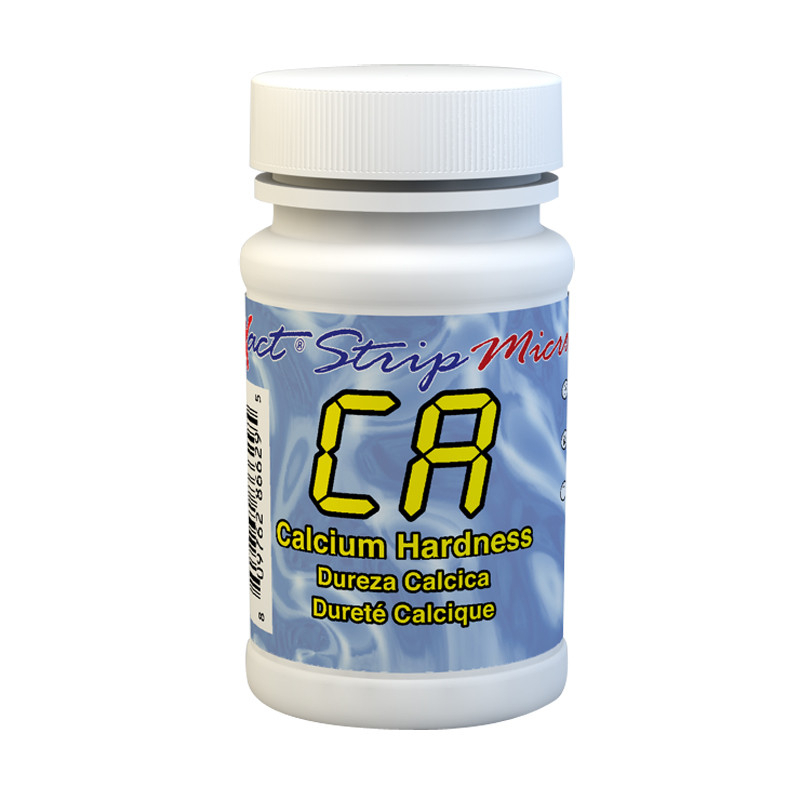
This kit contains 50 test strips, allowing you to perform as many calcium hardness tests.
It must be used only with one of the following photometers : eXact iDip, eXact iDip 570, eXact Micro 20, Pool EZ, Spa EZ.
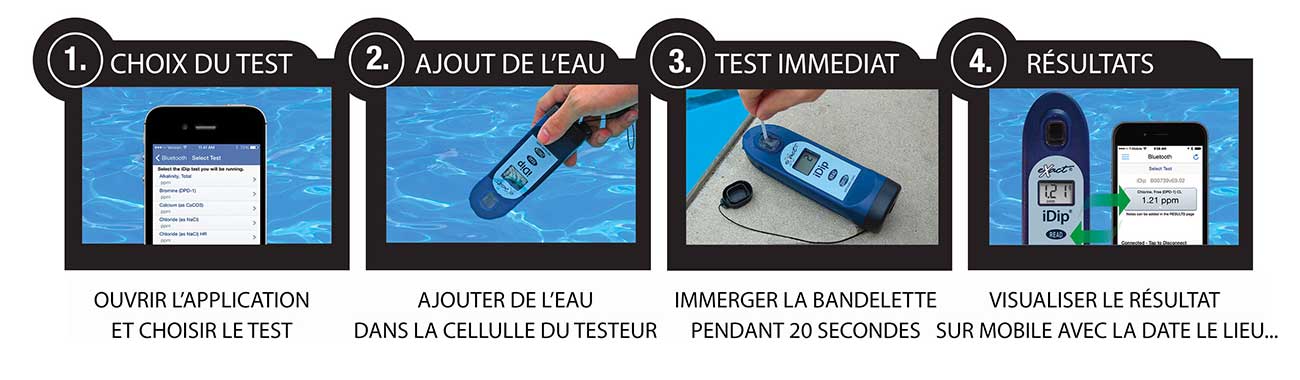
The testing procedure is very simple :
1. Open the app on your mobile phone and turn on the photometer.
2. Add water to the tester's designated cell.
3. Place the test strip in the water for 20 seconds.
4. View the result directly on the photometer. This result is automatically saved to your phone.
This water testing system is fast, reliable, modern, expandable, and comprehensive, making it THE most accessible system.
For more information on how the device works, visit our dedicated iDip photometer page, where the French user manual is available for download.
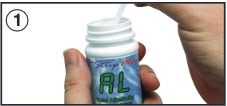 |
Remove a test strip from the container before starting the test. Leave it in a dry, easily accessible place, and close the container immediately. |
 |
Turn on the photometer by pressing the ON/ZERO button. The screen will show all indicators, then the selected menu, then the most recent results. |
 |
Press the SELECT button repeatedly to choose the group : the calcium hardness test belongs to groups 3 and 4. Then press the MENU button repeatedly to select the test parameter : CA. (You can find all this information in a table in the user manual supplied with the device. |
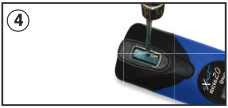 |
Rinse the test cell at least 3 times with the water you will be testing (to reduce the risk of cross-contamination from your previous test). Finally, fill the small cell completely with the water to be tested. |
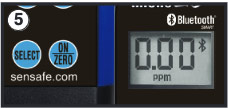 |
Press the ON/ZERO button. The cursor will move across the screen before it displays 0.00PM. This indicates that the sample is ready to be tested. |
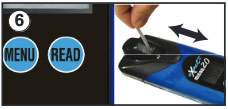 |
Dip the appropriate test strip into the small cell, and immediately press the READ button. This will start a 20-second countdown. During the countdown, gently move the test strip back and forth (about 1 back-and-forth movement per second). As soon as the "1" disappears from the screen, remove the test strip. |
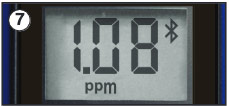 |
The cursor will move across the screen while the photometer prepares the test results. Note the value displayed for the parameter. This value is automatically saved in the MENU, and if you use the exact iDip app, the results will be saved in its "RESULTS" section. After the test, rinse the cell and clean it with the small brush. |
Notes : A. This test is accurate in water with a chloride concentration below 2,000 ppm as NaCl. Chloride levels between 12,000 and 24,000 ppm as NaCl cause an error of 10 to 15 %. For samples with chloride levels above 25,000 ppm as NaCl, contact ITS for a conversion table. B. For water temperatures above 95°F (35°C), remove the test strip when the timer displays "10". C. Even if all pads are not fully immersed in the water, do not bend the test strip. Make sure the test strip touches the bottom of the CELL during immersion.