


Tested and inspected RO systems for pure water at a reduced price.
See offers
Complete protection with an RO system and a water softener.
Get 15% off
Combine reverse osmosis water and hydrogen-rich water.
Get 15% offFREE SHIPPING
On orders of €150 or more within mainland France
(home products only)
Ships within 24 hours
+33 3 66 88 17 85
Call us Monday to Friday,
9:30 am–5 pm (Paris time)!
Email: contact@josmose.fr

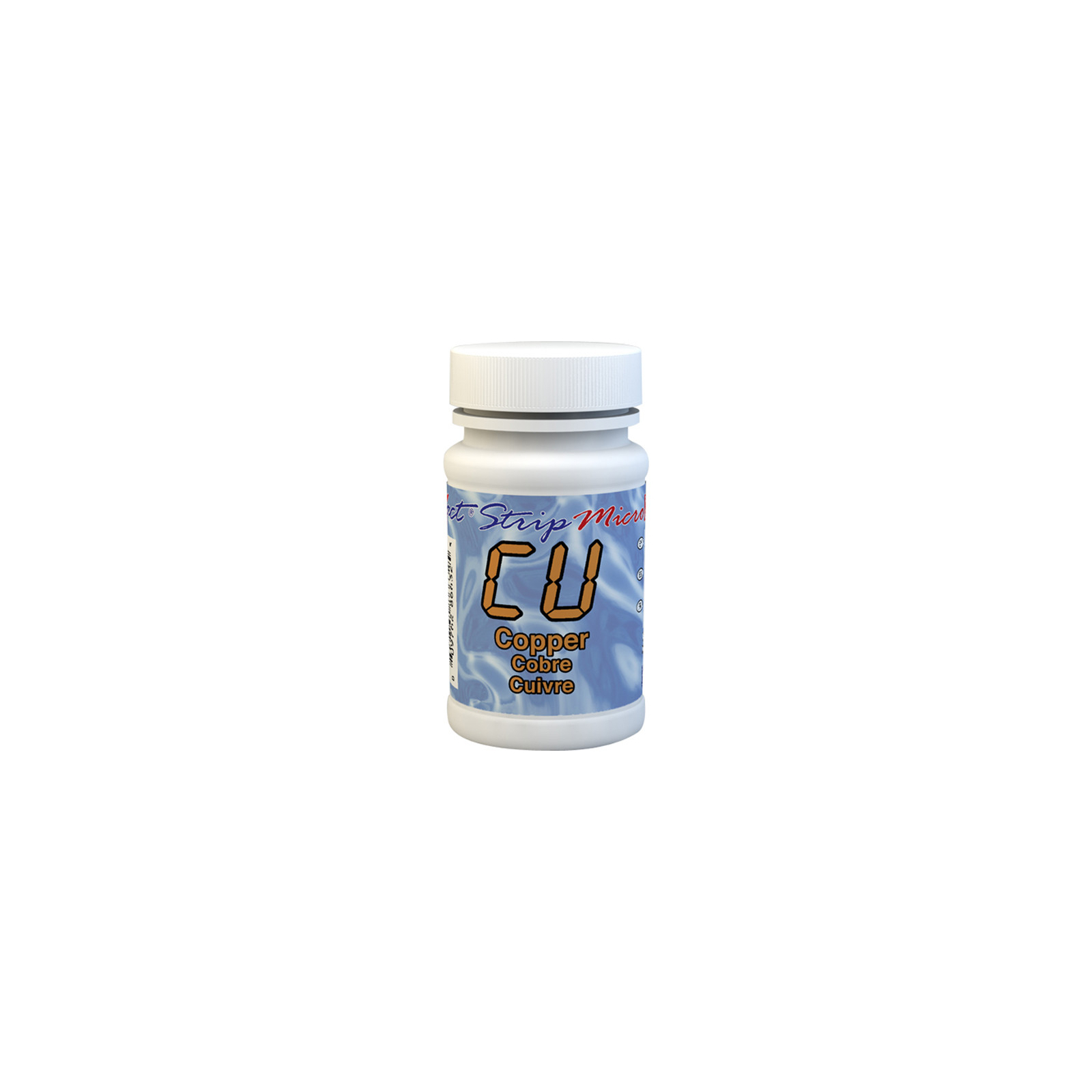
Copper is a chemical element with the symbol Cu and atomic number 29. It is a ductile metal that conducts heat and electricity. It occurs naturally in soil, rocks, water, and air.
Copper can be present in water for several reasons.
It can be found in tap water because copper pipes and fittings are commonly used in household plumbing. Corrosion of these materials can release copper into drinking water, especially if the water is acidic or contains corrosive agents.
In rivers and wells, it may be present due to erosion of copper-rich soils and rocks, or as a result of industrial discharges. Mining and agricultural operations can also contribute to the presence of copper in surface water and groundwater.
Finally, in swimming pools, some algaecides and disinfectants contain copper. Excessive use of these products can increase its concentration.
High levels of copper in water can be dangerous to humans and the environment.
For humans, drinking water containing a high concentration of copper can cause gastrointestinal symptoms such as nausea, vomiting, abdominal pain, and diarrhea. Prolonged exposure to high copper concentrations can lead to liver and kidney problems. Infants and people with specific metabolic disorders, such as Wilson's disease, are particularly vulnerable.
Aquatic ecosystems can also suffer from an excessively high concentration of this element: it becomes toxic to fish, affecting their survival, growth, and reproduction.
The WHO (World Health Organization) recommends a maximum copper concentration of 2 mg/L in drinking water.
There are different ways to test the copper level in water. Here, we offer 2 methods you can use at home.
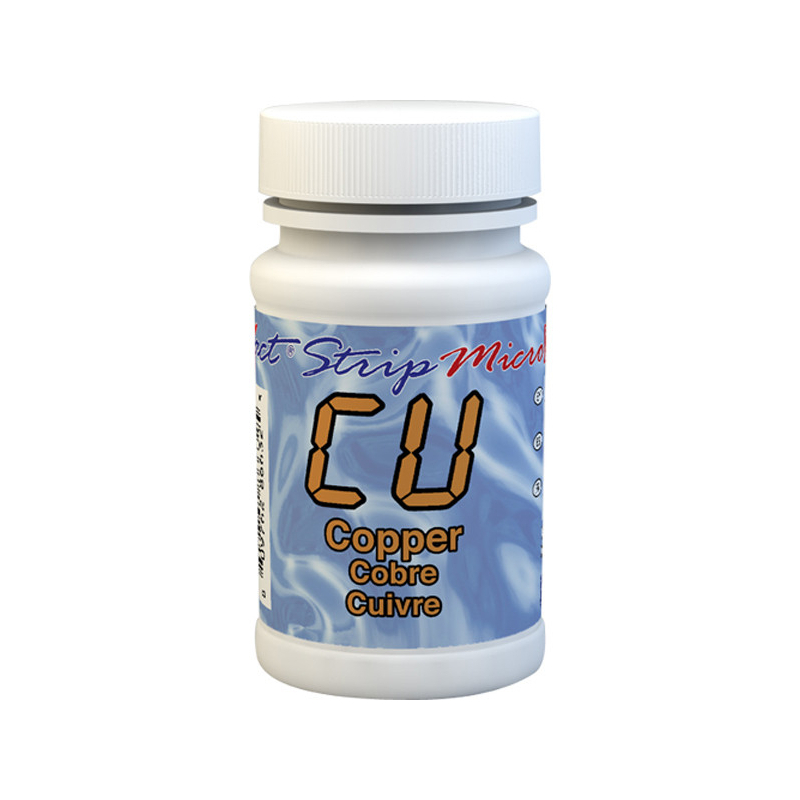
This kit of 25 copper test strips offers a broad detection range for free copper in water without iron interference and can be used in water across a fairly wide pH range.
It indicates copper levels between 0 and 2 ppm (mg/l), making it suitable for a wide range of uses: well, tap, pool, or river water.
This strip test is extremely simple.
 |
 |
|
Take a test strip and dip it into the water |
Compare the strip's color with the scale on the back of the container. |
The strip result shows whether your water contains: 0; 0.05; 0.1; 0.2; 0.4; 1; 2 mg/l (or ppm) of copper.
Caution - the strip's dipping time (shown in seconds) varies with the water temperature:
| °C | Time | °C | Time | °C | Time | °C | Time | |||
| 0 | 60 | |||||||||
| 1 | 57 | 11 | 34 | 21 | 18 | 31 | 12 | |||
| 2 | 54 | 12 | 33 | 22 | 17 | 32 | 12 | |||
| 3 | 51 | 13 | 31 | 23 | 16 | 33 | 12 | |||
| 4 | 48 | 14 | 29 | 24 | 15 | 34 | 11 | |||
| 5 | 46 | 15 | 28 | 25 | 15 | 35 | 11 | |||
| 6 | 43 | 16 | 26 | 26 | 14 | 36 | 11 | |||
| 7 | 42 | 17 | 24 | 27 | 14 | 37 | 10 | |||
| 8 | 40 | 18 | 23 | 28 | 13 | 38 | 10 | |||
| 9 | 38 | 19 | 21 | 29 | 13 | 39 | 10 | |||
| 10 | 36 | 20 | 20 | 30 | 12 | 40 | 10 |
Measure the water temperature to within +/- 2°C.
This kit contains 50 strips that must be used with one of the following photometers: eXact iDip, eXact iDip 570, Pool eXact EZ, eXact Eco-Check, eXact Micro7+, eXact Micro 20 and eXact Micro 10.
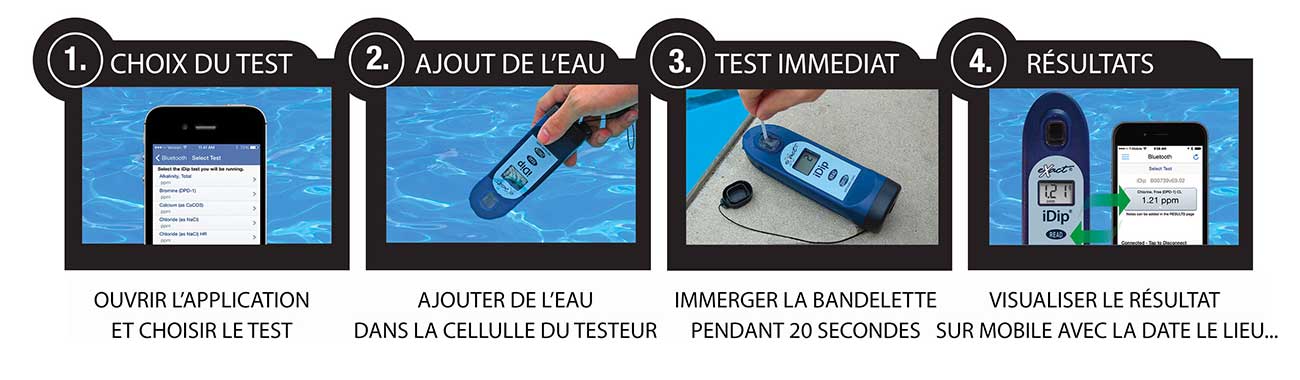
These strips and reagents let you measure copper in your water using the IDIP photometer. It is very simple to use:
1. Open the app on your mobile phone and turn on the photometer.
2. Add water to the tester's designated sample cell
3. Place the strip (and reagent if needed) in the water for 20 seconds
4. View the result directly on the photometer. The result is automatically saved on your phone.
This water testing system is fast, reliable, modern, expandable, and comprehensive. It is THE most accessible system.
 |
Remove a strip from the container before starting the test. Leave it in a dry, easily accessible place, and immediately close the container. |
 |
Turn on the photometer by pressing the ON/ZERO button. The screen will display all indicators, then the selected menu, then the last results obtained. |
 |
Press the SELECT button repeatedly to choose the group: the copper test belongs to groups 2 and 3. Then press the MENU button repeatedly to select the test parameter: Cu. (You will find all this information in a table in the user manual supplied with the device. |
 |
Rinse the test cell at least 3 times with the water you will be testing (to reduce the risk of cross-contamination from your previous test). Finally, completely fill the small cell with the water to be tested. |
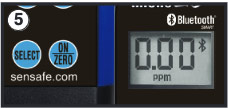 |
Press the ON/ZERO button. The cursor will move across the screen before it displays 0.00PM. This indicates that the sample is ready to be tested. |
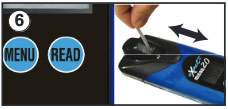 |
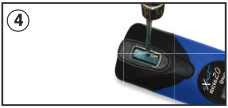
Dip the appropriate strip into the small cell, and immediately press the READ button. This will start a 20-second countdown. During the countdown, gently move the strip back and forth (about 1 back-and-forth motion per second). As soon as the "1" disappears from the screen, remove the strip. |
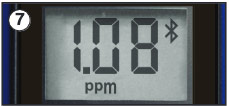 |
The cursor will move across the screen while the photometer prepares the test results. Note the value displayed for the parameter. This value is automatically saved in the MENU, and if you use the exact iDip app, the results will be saved in its "RESULTS" section. After the test, rinse the cell and clean it with the small brush. |