


Tested and inspected RO systems for pure water at a reduced price.
See offers
Complete protection with an RO system and a water softener.
Get 15% off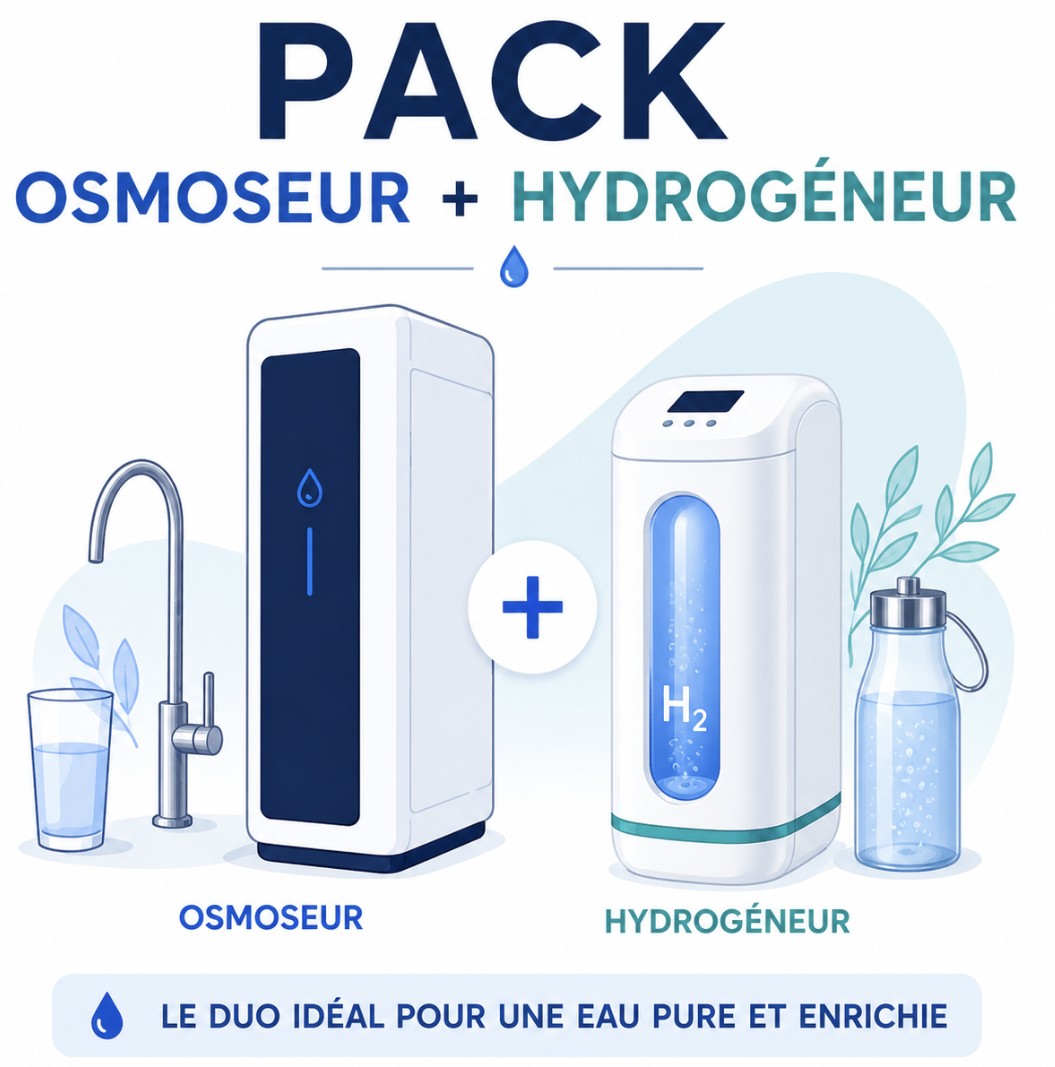
Combine reverse osmosis water and hydrogen-rich water.
Get 15% offFREE SHIPPING
On orders of €150 or more within mainland France
(home products only)
Ships within 24 hours
+33 3 66 88 17 85
Call us Monday to Friday,
9:30 am–5 pm (Paris time)!
Email: contact@josmose.fr

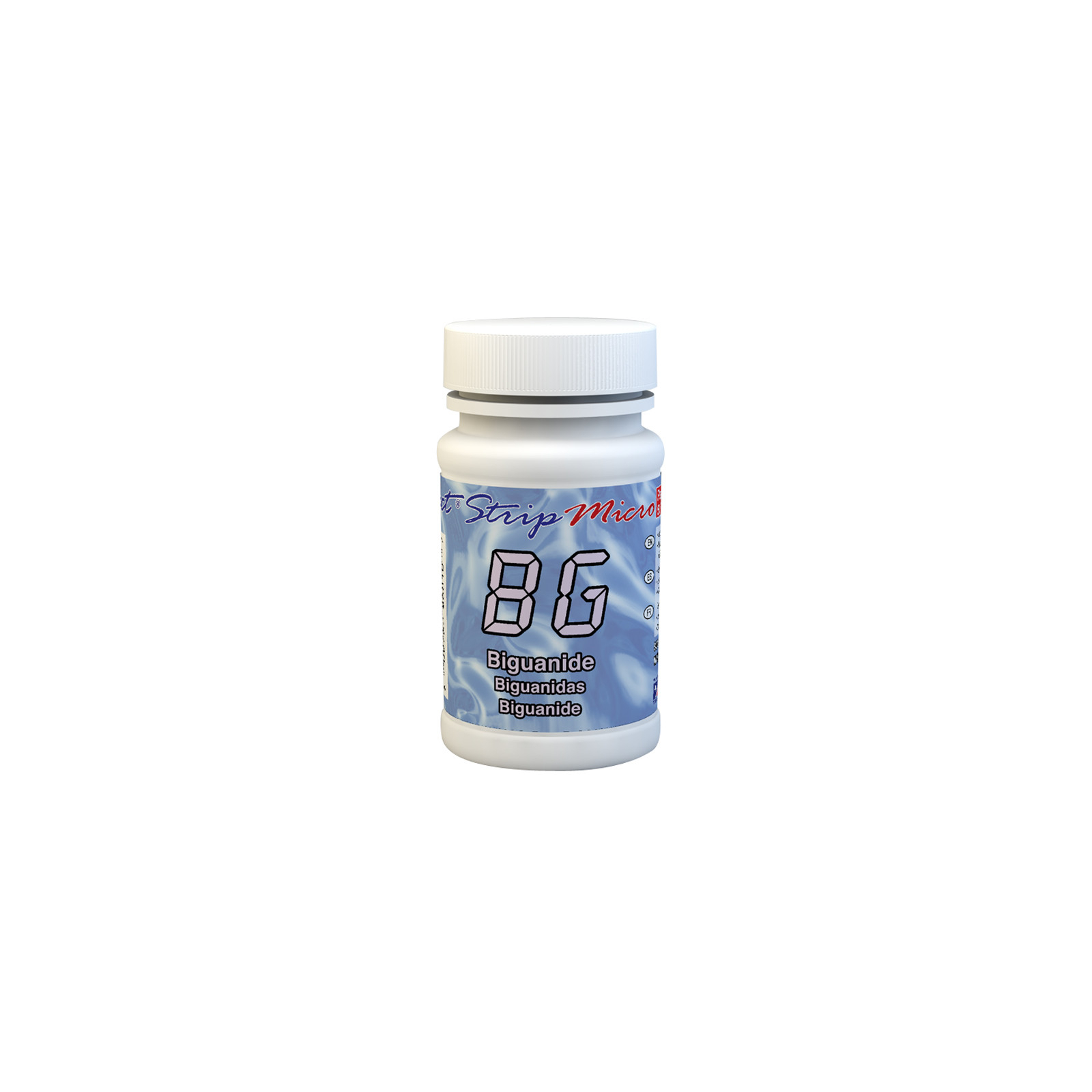
Biguanide is a class of chemical compounds consisting of molecules with two guanidine groups. These compounds are often used in various fields, including medicine as antidiabetic agents (such as metformin) and disinfection as antiseptic or disinfectant agents. Specifically, in swimming pool water disinfection, biguanide (often in the form of polyhexamethylene biguanide or PHMB) is used as an alternative to chlorine to keep water clean and healthy. It works by eliminating bacteria, algae, and other unwanted organisms in the water.
Used as an alternative to chlorine in private swimming pools, biguanide offers several benefits:
Although biguanide generally requires less maintenance than chlorine, it still requires regular water quality monitoring and proper maintenance of the pool's filtration and circulation system.
To maintain an effective concentration of biguanide in pool water, it is important to test the biguanide level regularly using dedicated test kits. The biguanide dosage must be adjusted based on test results and pool conditions.
Note that biguanide is incompatible with chlorine, bromine, copper, and bronze.
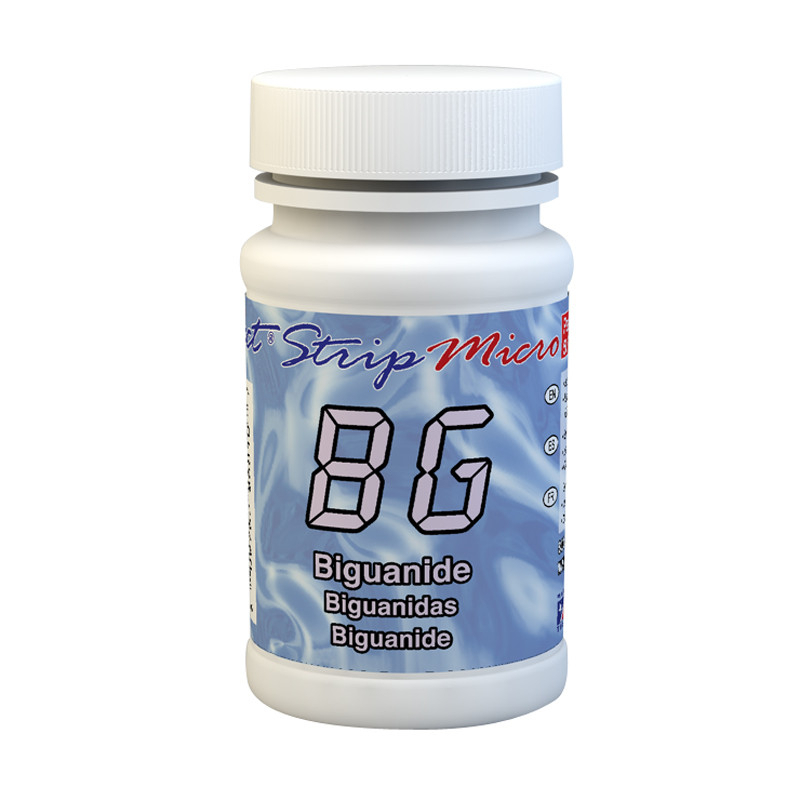
This kit contains 50 strips (packaged in bags of 12) treated with a reagent specifically designed to test for biguanide.
It is important to note that biguanide analysis with this kit can only be performed with the eXact Micro 20 photometer. Other photometers in the eXact range do not have the correct wavelength for this test and would produce an incorrect result.
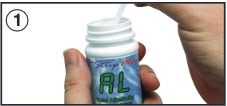 |
Remove a strip from the container before starting the test. Leave it in a dry, easily accessible place, and close the container immediately. |
 |
Turn on the photometer by pressing the ON/ZERO button. The screen will show all indicators, then the selected menu, then the most recent results. |
 |
Press the SELECT button repeatedly to choose the group: the biguanide test belongs to group 3. Then press the MENU button repeatedly to select the test parameters: bG. (You will find all this information in a table in the user manual supplied with the device. |
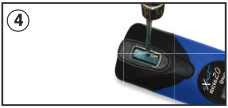 |
Rinse the test cell at least 3 times with the water you will be testing (to reduce the risk of cross-contamination from your previous test). Finally, fill the small cell completely with the water to be tested. |
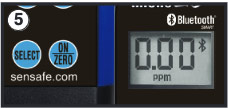 |
Press the ON/ZERO button. The cursor will move across the screen before it displays 0.00PM. This indicates that the sample is ready to be tested. |
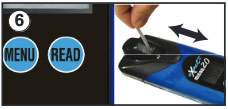 |
Dip the appropriate strip into the small cell and immediately press the READ button. This will start a countdown. During the countdown, gently move the strip back and forth (about 1 back-and-forth motion per second). As soon as the "1" disappears from the screen, remove the strip. |
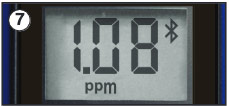 |
The cursor will move across the screen while the photometer prepares the test results. Record the value displayed for the parameter. This value is automatically saved in the MENU, and if you use the exact iDip app, the results will be saved in its "RESULTS" section. After the test, rinse the cell and clean it with the small brush. |