


-
MenuBack
-
RO systems
-
Faucets
-
Water dispensers
-
Water softeners
-
Dynamizers
-
Off-grid water
-
Water testing
-
Deals
-
-
Refurbished RO systems
Tested and inspected RO systems for pure water at a reduced price.
See offersRO system + water softener pack
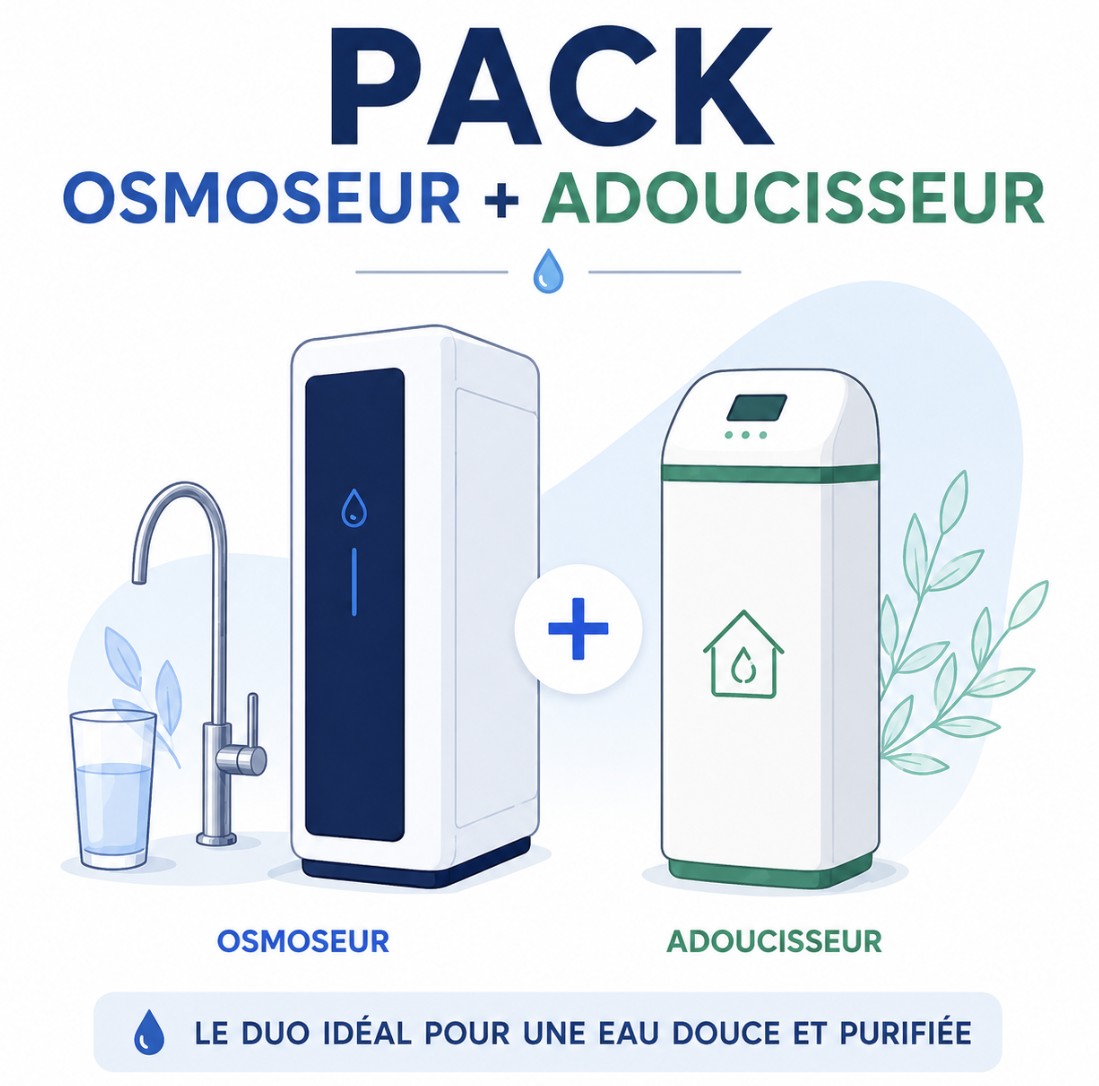
Complete protection with an RO system and a water softener.
Get 15% offRO system + hydrogen water generator pack
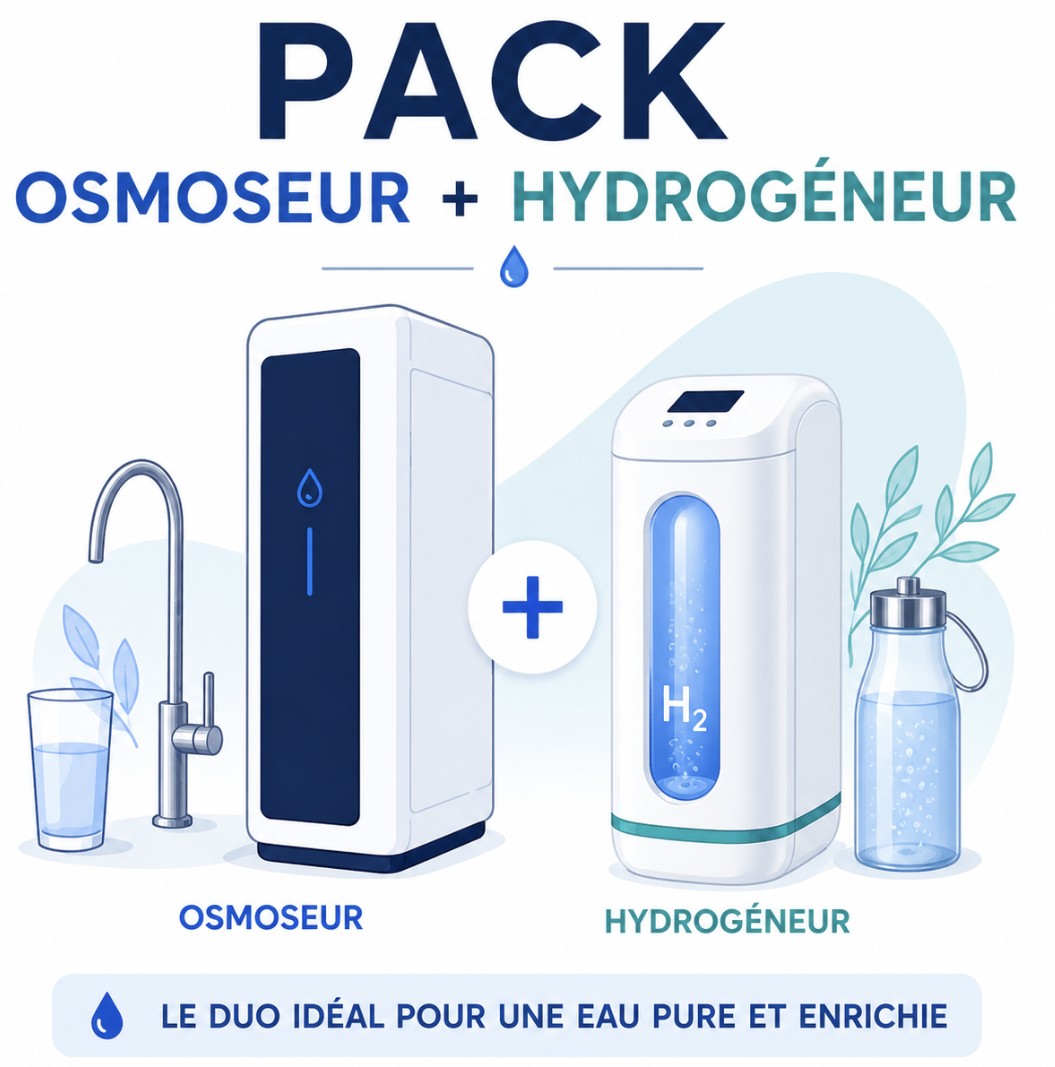
Combine reverse osmosis water and hydrogen-rich water.
Get 15% off
-
-
- PRO
- RENTAL
FREE SHIPPING
On orders of €150 or more within mainland France 
(home products only)
Ships within 24 hours
+33 3 66 88 17 85
Call us Monday to Friday,
9:30 am–5 pm (Paris time)!
Email: contact@josmose.fr

Aluminum in Water
Water Testers
What is aluminum and why is it found in water?
Aluminum is a metal that occurs naturally in the environment. It can be found in water in the form of aluminum salts. These can come from natural sources such as aluminum-rich rocks and soils, or be introduced into water through human activities such as mining, wastewater treatment and the use of chemicals containing aluminum.
What are the risks of aluminum in water?
The risks associated with aluminum in water are primarily related to health problems. Prolonged exposure to high levels of aluminum in drinking water may be associated with neurological, kidney and liver problems, although the precise evidence for these effects remains debated. Aluminum can also affect the taste and odor of water.
What level of aluminum is allowed in water?
Recommended aluminum levels in drinking water vary depending on regulatory bodies and local standards. In Europe, the European Drinking Water Directive sets a limit of 200 micrograms per liter (µg/L) for aluminum. It is important to follow local water quality recommendations to ensure drinking water safety.
How can you test the aluminum level in your water?
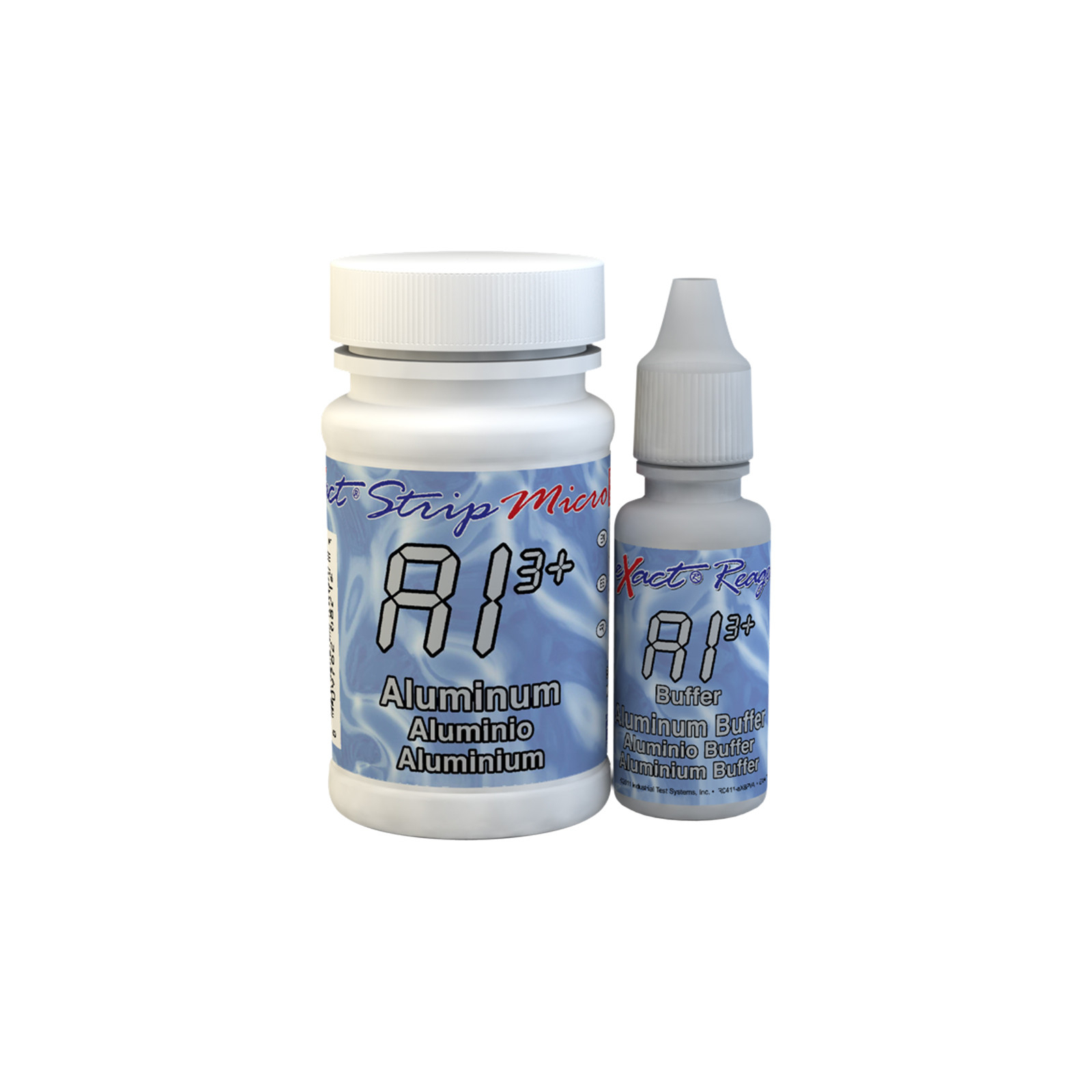
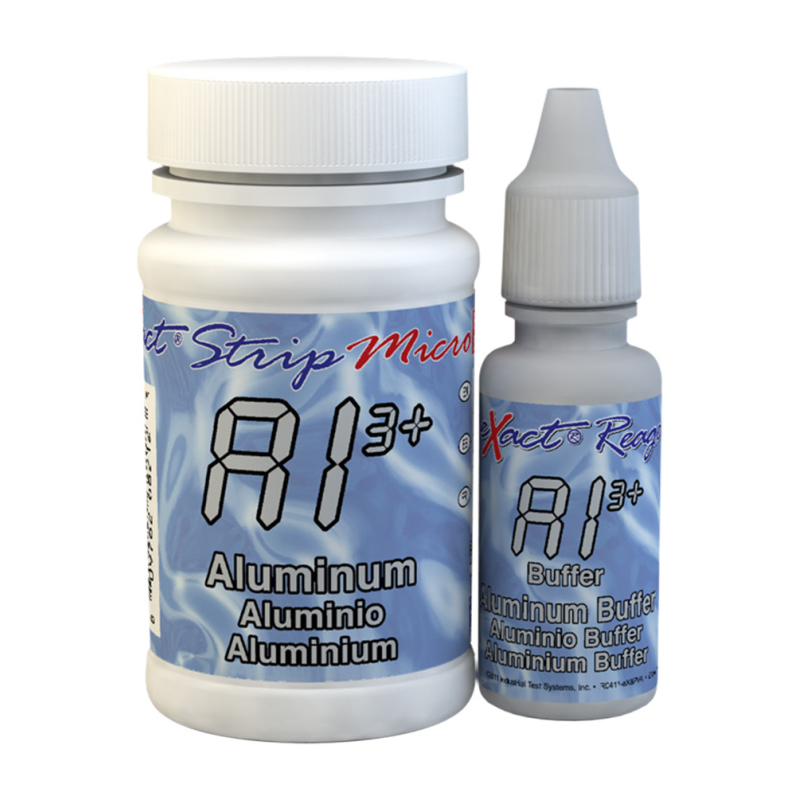
At Josmose.fr, we offer a very simple way to test the aluminum level in your water with this kit of 50 test strips, which must be used with the eXact Micro 20 photometer.
How do you perform this test? Follow these instructions:
- TURN ON THE DEVICE - Turn on the photometer by pressing the ON/ZERO button. The screen will show all indicators, then the selected menu, then the most recent results.
- SELECT THE GROUP AND PARAMETERS - Press the SELECT button repeatedly to choose the group: the aluminum test belongs to group 2. Then press the MENU button repeatedly to select the test parameters: Al. (You will find all this information in a table in the user manual supplied with the device.
- RINSE AND FILL THE TEST CELL - Rinse the test cell at least 3 times with the water you will be testing (to reduce the risk of cross-contamination from your previous test). Fill the small cell completely with the water to be tested, then tilt the photometer to empty approximately 0.2 ml of water from the cell to make room for the liquid reagent.
- ADD THE DROPS - Add 5 drops of the liquid reagent and cover the test cell with its protective cap. Note: make sure the bottle is upright when adding the drops.
- ZERO - Press the ON/ZERO button. The cursor will move across the screen, which will then display 0.00 PPM. This indicates that the sample is ready to be tested.
- DIP THE STRIP AND PRESS READ - Take a test strip, dip it into the test cell, and immediately press the READ button to start the 20-second countdown. Remove the strip after "1" disappears from the screen. The photometer will automatically start the analysis. The result will appear within a few seconds.
Notes: for the aluminum test, clean the test cell with distilled vinegar (5%) before starting the procedure above. If you perform the test several times, you do not need to rinse the test cell with vinegar each time.