


- -€50.00
- New

Tested and inspected RO systems for pure water at a reduced price.
See offers
Complete protection with an RO system and a water softener.
Get 15% off
Combine reverse osmosis water and hydrogen-rich water.
Get 15% offFREE SHIPPING
On orders of €150 or more within mainland France
(home products only)
Ships within 24 hours
+33 3 66 88 17 85
Call us Monday to Friday,
9:30 am–5 pm (Paris time)!
Email: contact@josmose.fr

Frequently asked questions about AquaTouch
Does AquaTouch filter water?
No. AquaTouch is not a filtration system. It is a device that lets you choose between your tap water and a supply of water that has already been filtered.
Do I need to install a second faucet?
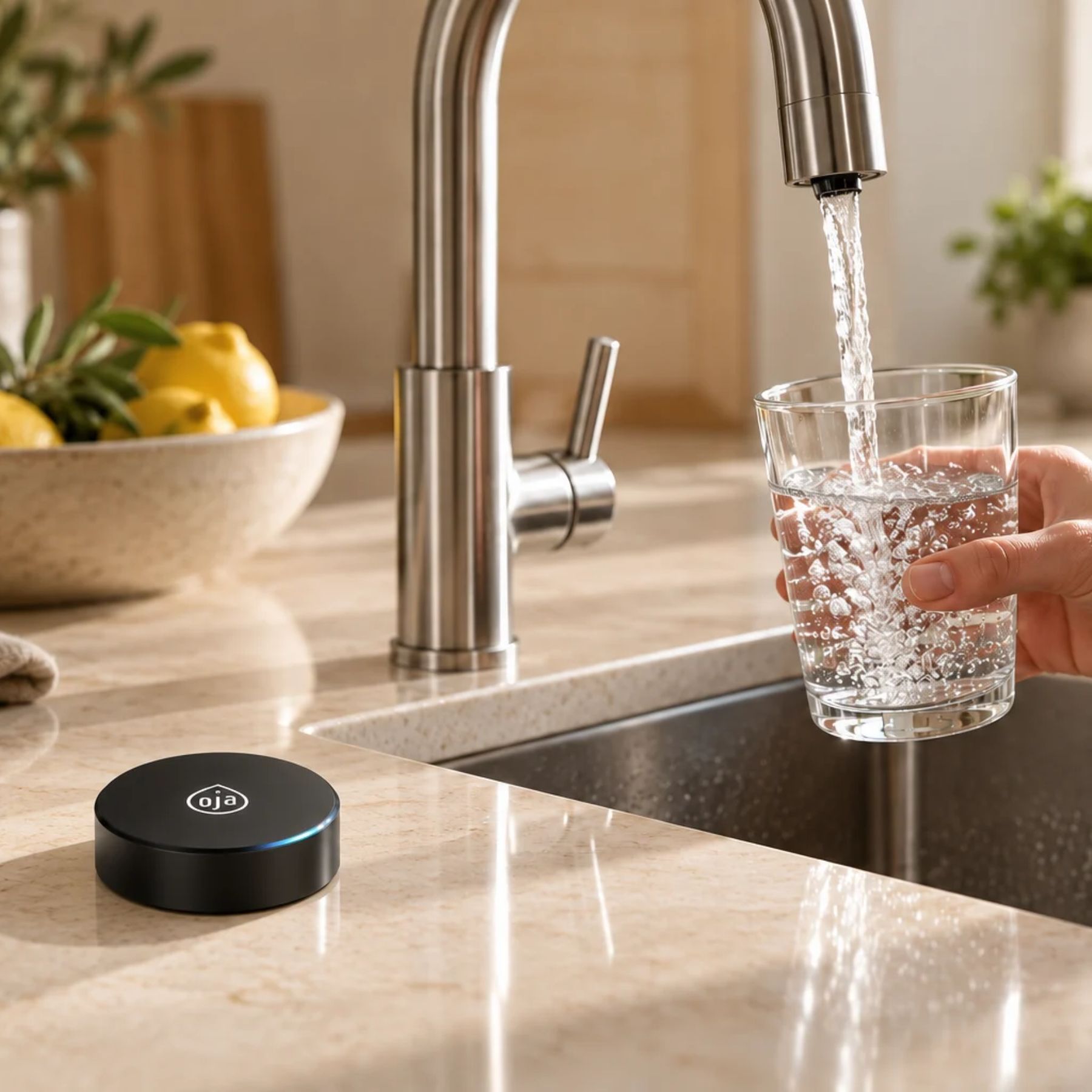
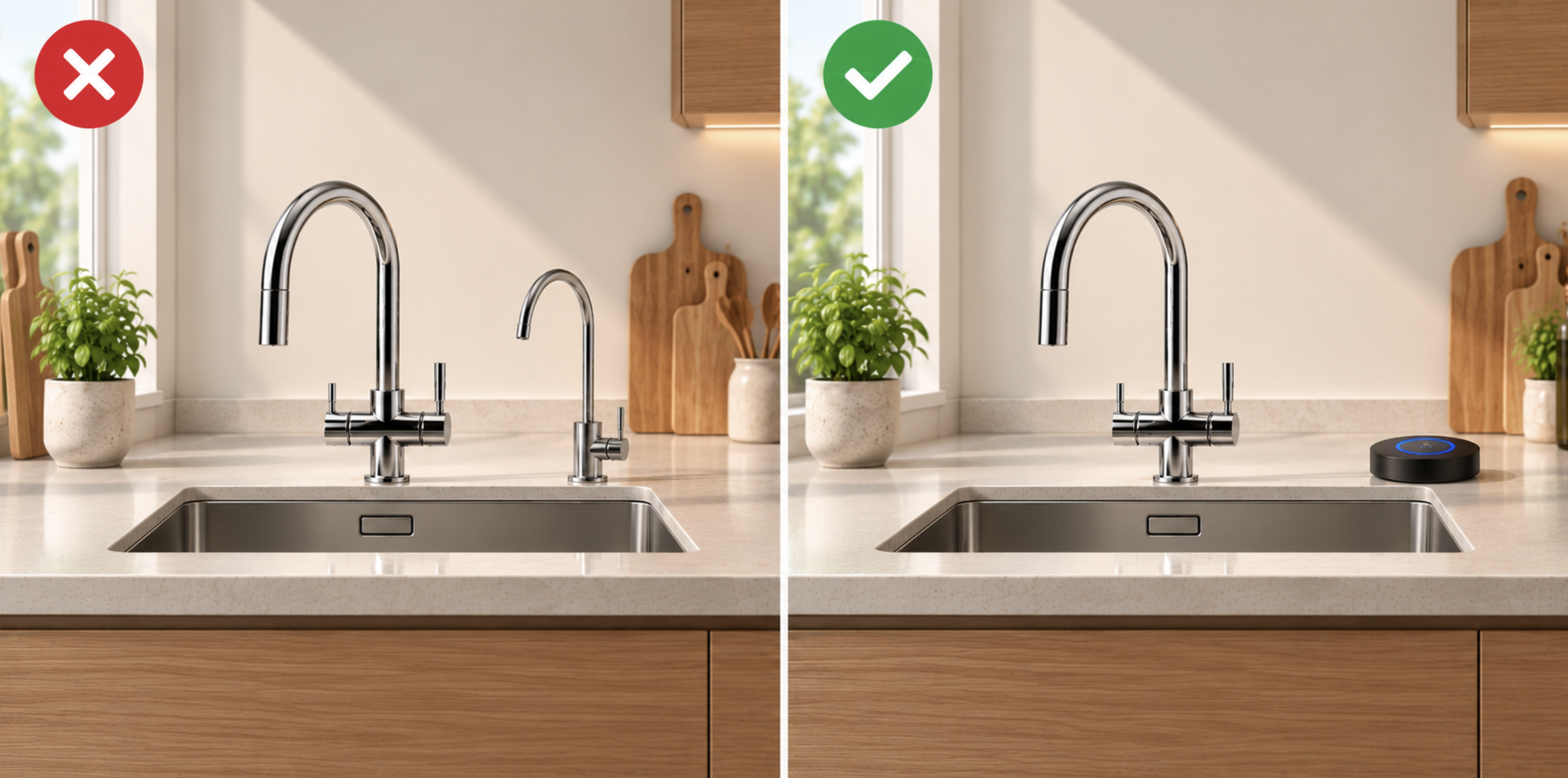
No, if your setup is compatible. You can use both municipal water and filtered water from your main faucet.
Does AquaTouch turn the faucet on and off?
No. AquaTouch cannot do this. It only controls which water supply reaches your faucet.
Do I need a Wi-Fi connection or an app?
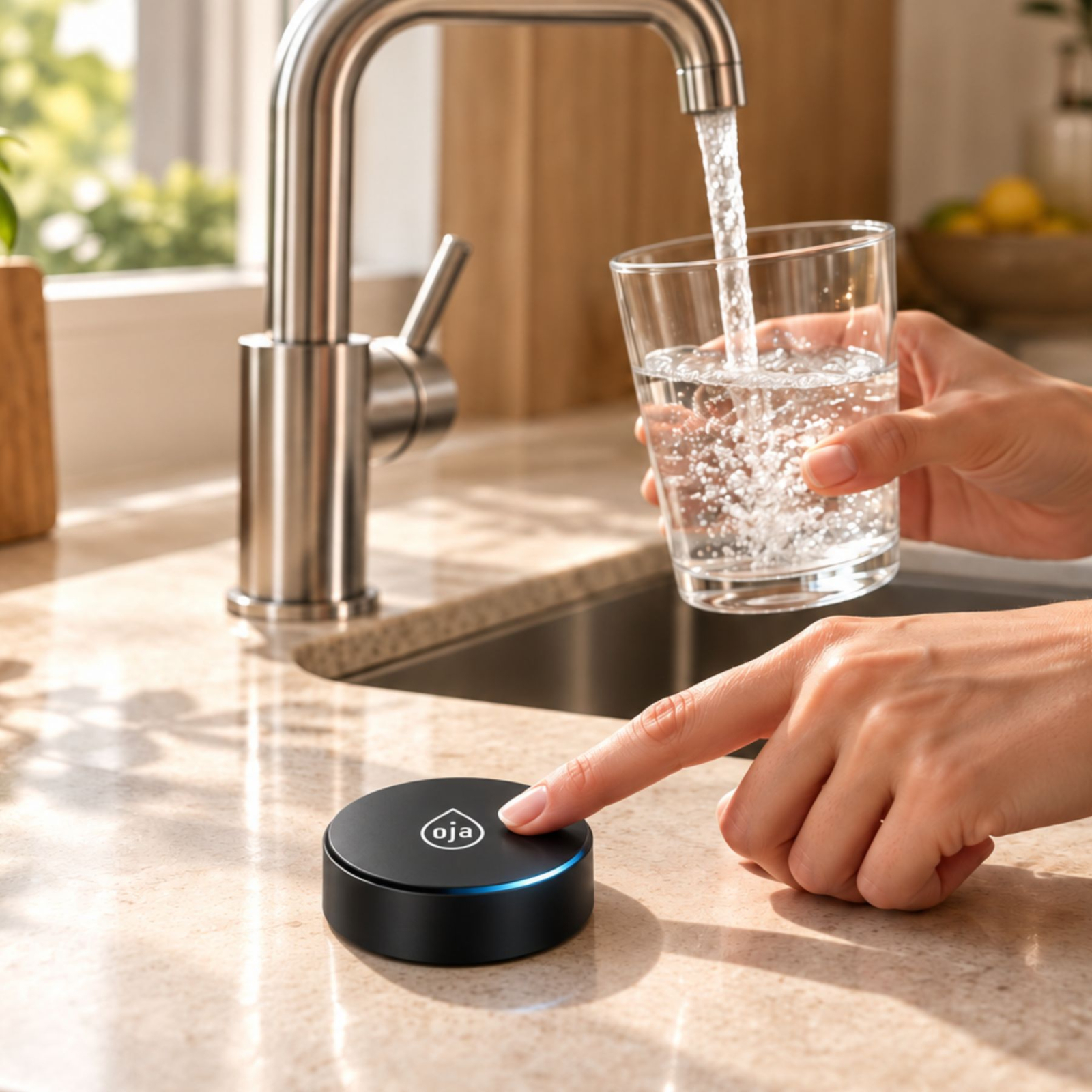
No. You control it directly using the touch sensor, which communicates wirelessly with its control unit.
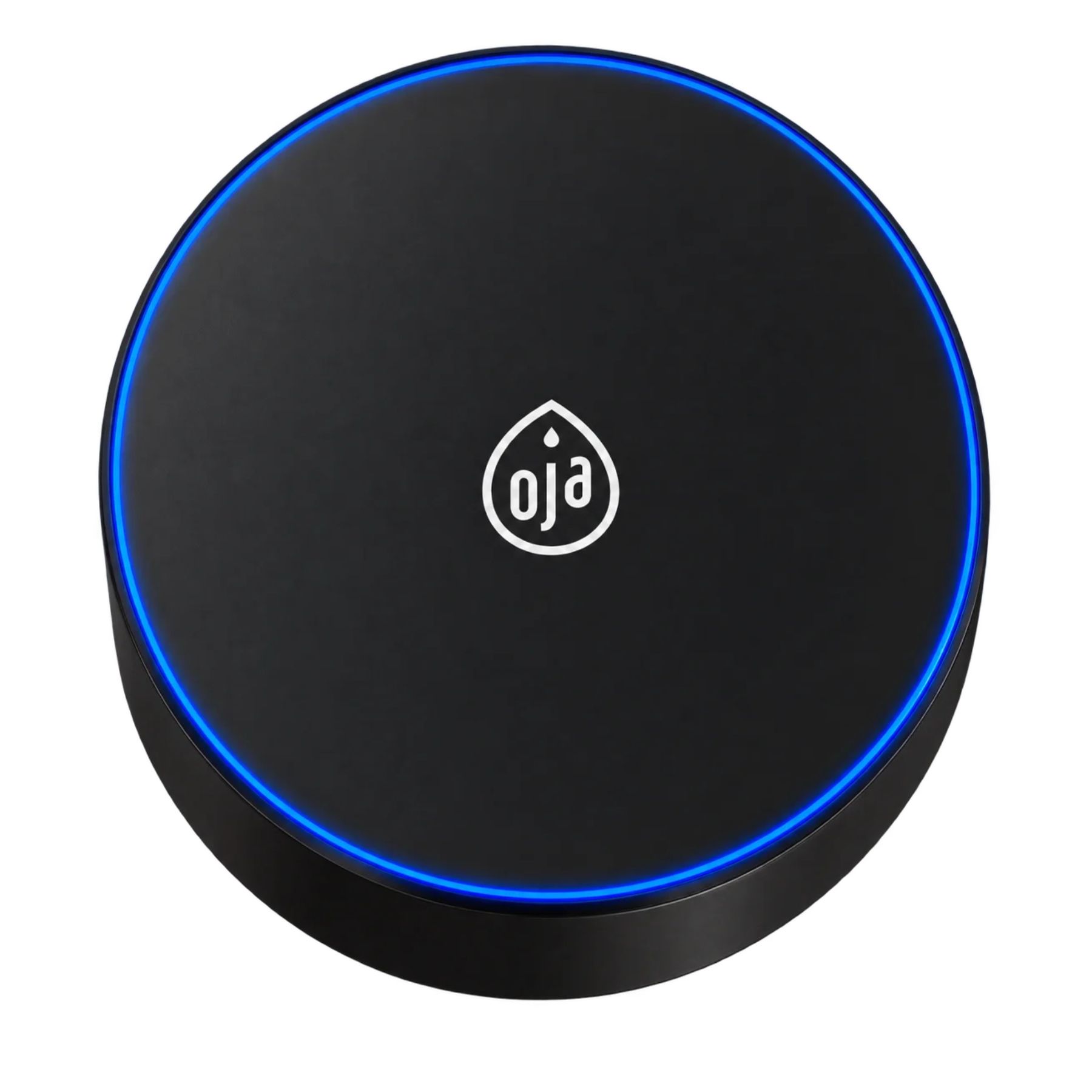
What does the blue ring mean?
The ring flashes blue when the filtered water supply is activated and filtered water is being dispensed.
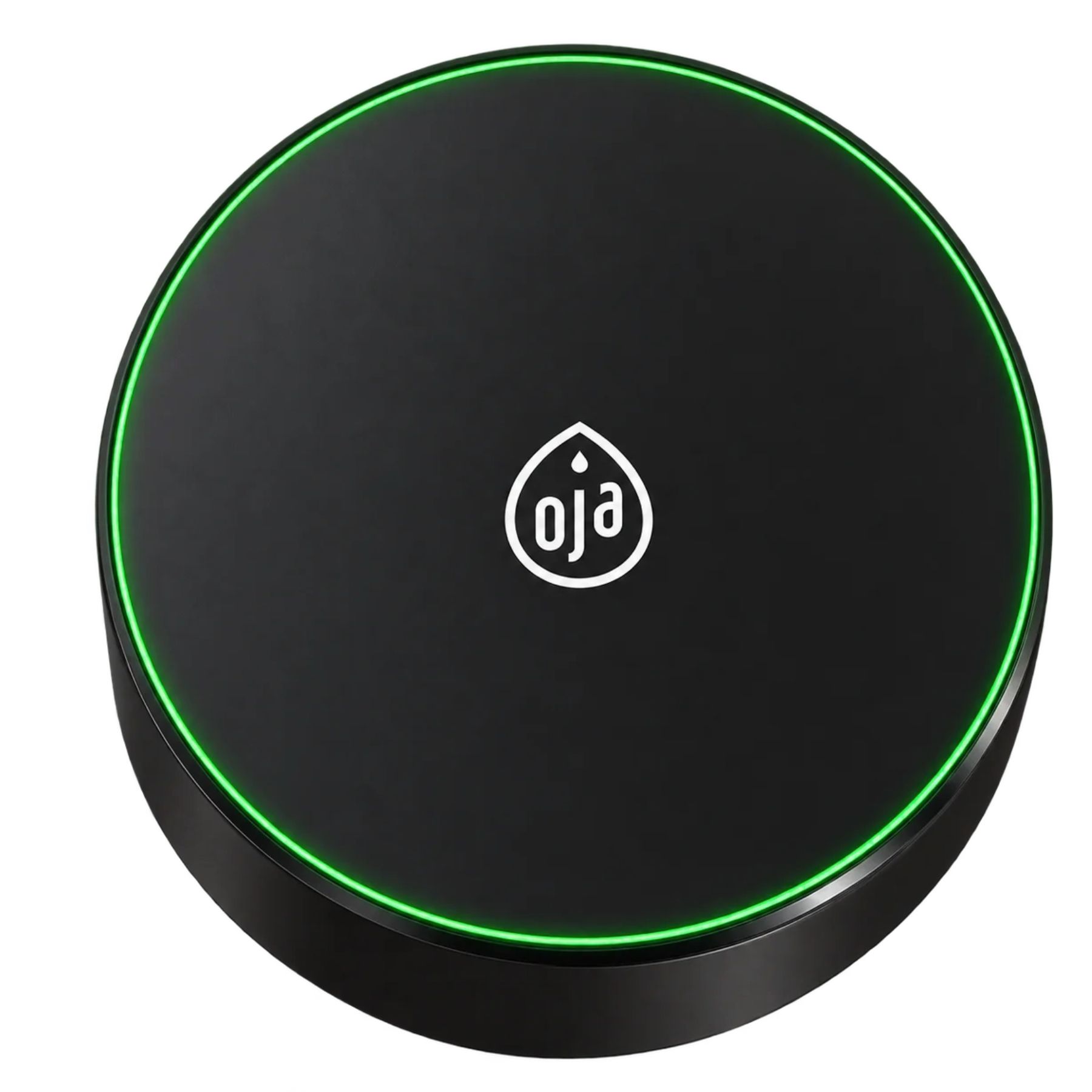
What does the green ring mean?
When returning to normal mode, the ring lights up green for 3 seconds.
What happens if I forget to turn off the filtered water?
AquaTouch automatically turns off the filtered water supply after 180 seconds, or 3 minutes.
Does AquaTouch require maintenance?
Yes. The user manual specifies a reminder at 12 months, followed by dispensing being disabled at 13 months until a technician resets the unit.
Is AquaTouch compatible with every setup?
No, not necessarily. Compatibility depends on your faucet, filtration system, and available connections. It must be checked before installation.
Preparing for installation
AquaTouch consists of a hydraulic unit installed under your sink and a wireless touch sensor placed near your faucet. Careful preparation makes connection and first use easier.
1. Choose a location for the unit
Mount the unit on a wall inside your under-sink cabinet, away from water splashes and connections that could leak. Do not place it directly on the floor.
2. Plan the power supply
The unit runs on its AC adapter or 4 AA alkaline batteries. The touch sensor uses 2 AAA alkaline batteries.
3. Check the wireless range
The stated maximum range is 8 meters in an open area. Metal obstacles and some furniture can reduce this distance.
4. Prepare the filtration system
Before connecting the purified water supply to AquaTouch, perform the initial flush of the filter cartridges according to your filtration system's user manual. Water from this first flush must be drained separately.
Important
Turn off the cold water supply and unplug the equipment involved before performing any work. Water from the first flush of new filter cartridges must not pass through the AquaTouch unit: released particles could interfere with its solenoid valve.
Installing AquaTouch
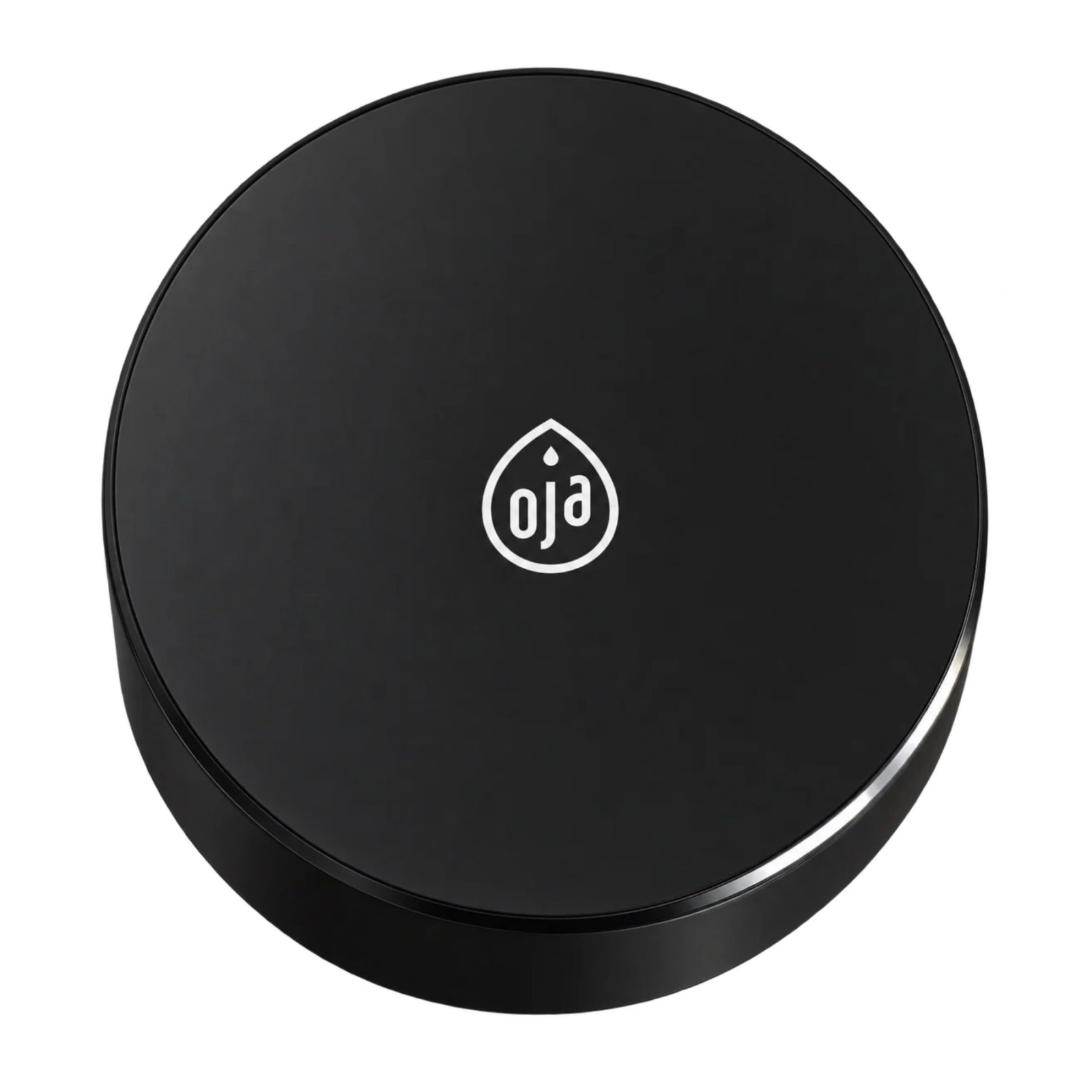
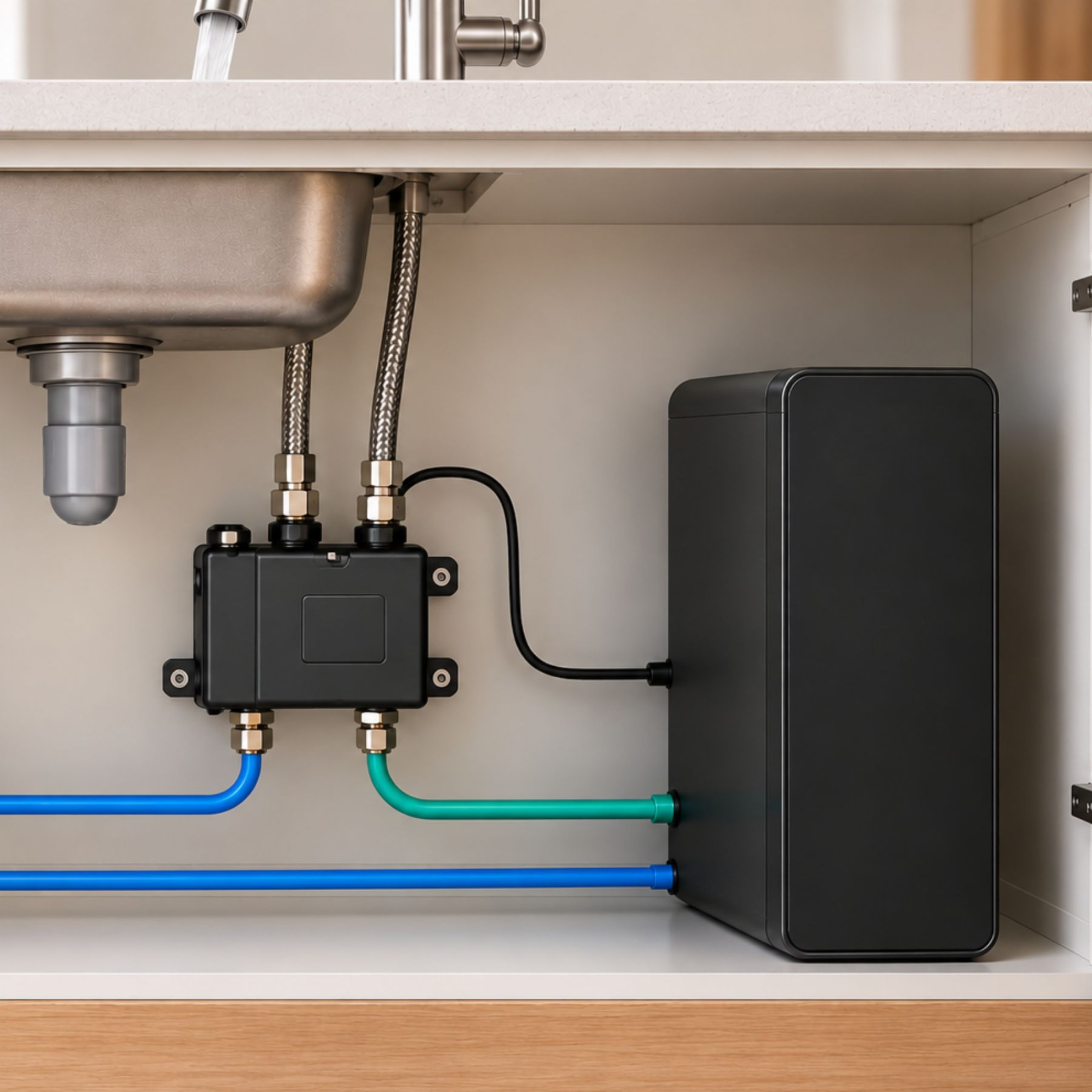
AquaTouch is installed between your RO system or filtration system and your existing kitchen faucet. Its control unit is placed under your sink, while the wireless touch sensor sits on your countertop or mounts on the wall.
This setup lets you keep your current faucet without adding a dedicated filtered water faucet.
1. Under-sink unit
Connect the cold water supply, the filtration system's purified water outlet, and the faucet's cold water hose.
2. Wireless sensor
Place the touch sensor near your faucet, on your countertop or wall, away from water splashes.
3. Power supply
Power the unit with its AC adapter or 4 AA batteries. The sensor runs on 2 AAA batteries.
What you need before installation
A compatible RO system or filtration system, a cold water supply, and an electrical outlet if you use the AC adapter. Keep the sensor and unit no more than 8 m apart in an open area.
Protecting your installation from limescale
Like any equipment in contact with municipal water, the AquaTouch hydraulic unit may be exposed to limescale deposits. Particularly hard water can promote scale buildup on internal components.
To reduce this risk and protect your installation, we recommend installing an upstream water softener, especially in areas with very hard water.
AquaTouch maintenance
AquaTouch contains no filter cartridges and requires no periodic replacement of filtration consumables. Its routine maintenance mainly consists of replacing the batteries when needed.
Touch sensor
2 AAA alkaline batteries to replace when the indicator signals a low battery.
Control unit
No battery replacement is needed when using AC power. For battery-powered operation, you will need 4 AA alkaline batteries.
You can occasionally clean the exterior with a soft, slightly damp cloth if needed. Filter maintenance and replacement requirements depend on the connected RO system or filtration system.
Automatic service reminders
AquaTouch has a reminder programmed into its control system. This is an alert to follow up on your installation, not an indicator of wear on an AquaTouch filter cartridge.
Find the official Mineros 1.0 documents below to prepare for your installation, review the technical specifications or make maintaining your RO system easier.
Technical specifications of the AquaTouch
Find the main technical specifications of the AquaTouch touch control and its control box.
| Specification | Value |
|---|---|
| DEVICE | |
| Product reference | AquaTouch |
| Compatibility | All home and professional RO systems and filtration systems |
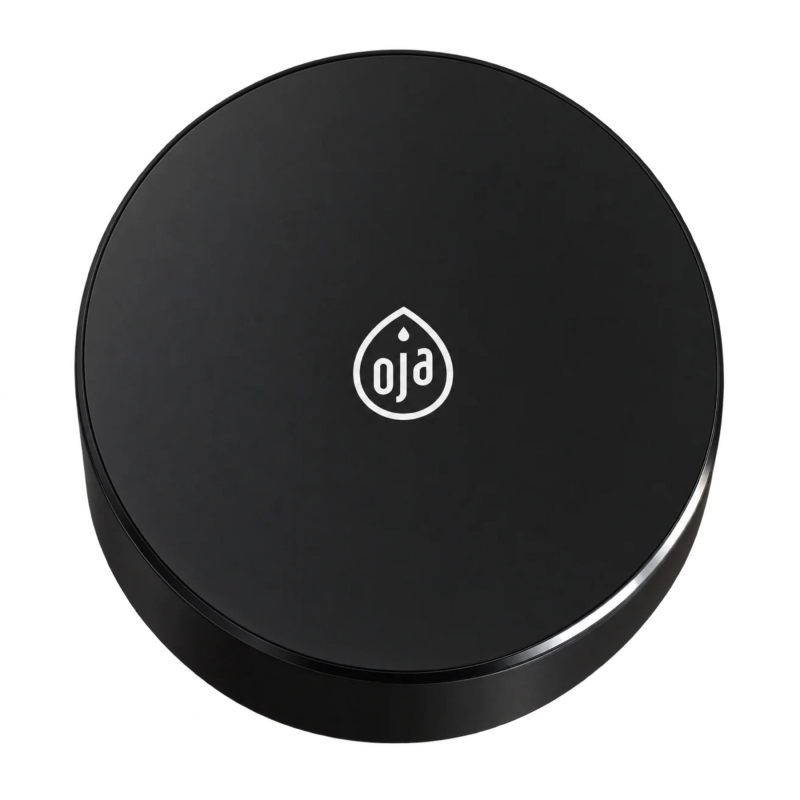
| Touch sensor dimensions | Ø 60 × 31 mm |
| Control box dimensions | 160 × 120 × 57 mm |
| Ingress protection rating | Touch sensor: IPX6 Control box: IPX4 |
| Wireless connection range | 8 m maximum, in an open area (without partition walls) |
| WATER SUPPLY | |
| Operating pressure | 0.05 to 0.7 MPa / 0.5 to 7 bars |
| Water temperature | 4 to 35 °C (cold water connection only) |
| ELECTRICAL | |
| Touch sensor | 3 V DC – 2 AAA alkaline batteries |
| Control box | 100–240 V ~ 50/60 Hz AC adapter or 6 V DC – 4 AA alkaline batteries (not included) |
| Operating current | ≤ 20 mA |
| Standby current | ≤ 20 µA |
| OPERATION | |
| Automatic dispensing shutoff | 180 seconds (3 minutes) |
| Maintenance reminder | After 12 months of use |
| End of service period | After 13 months of use (dispensing blocked until reset) |
.jpg)